Use real order photos
Portraits, pets, memorials, couple photos, awards, and gift images.


ComMarker Omni X workflow
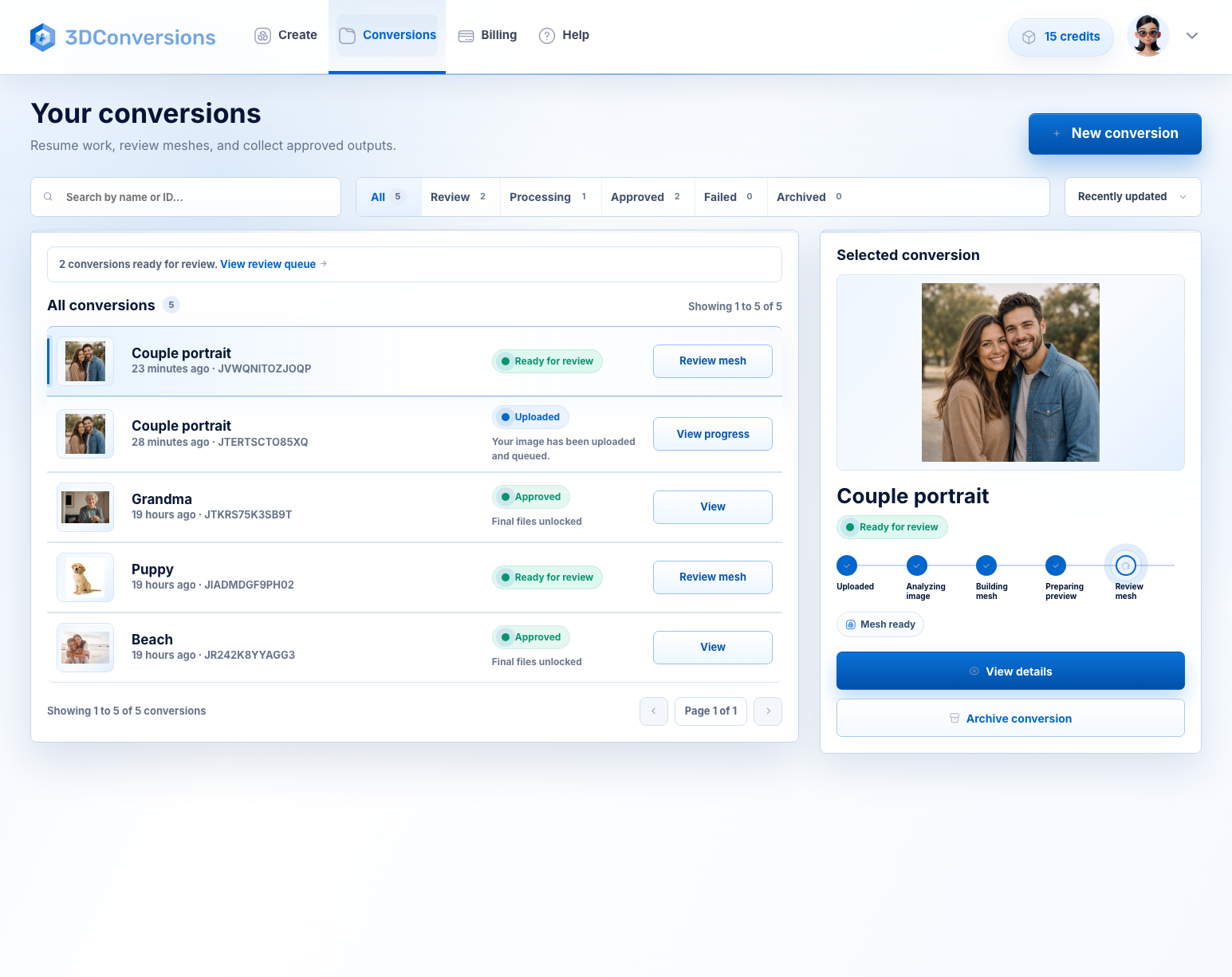
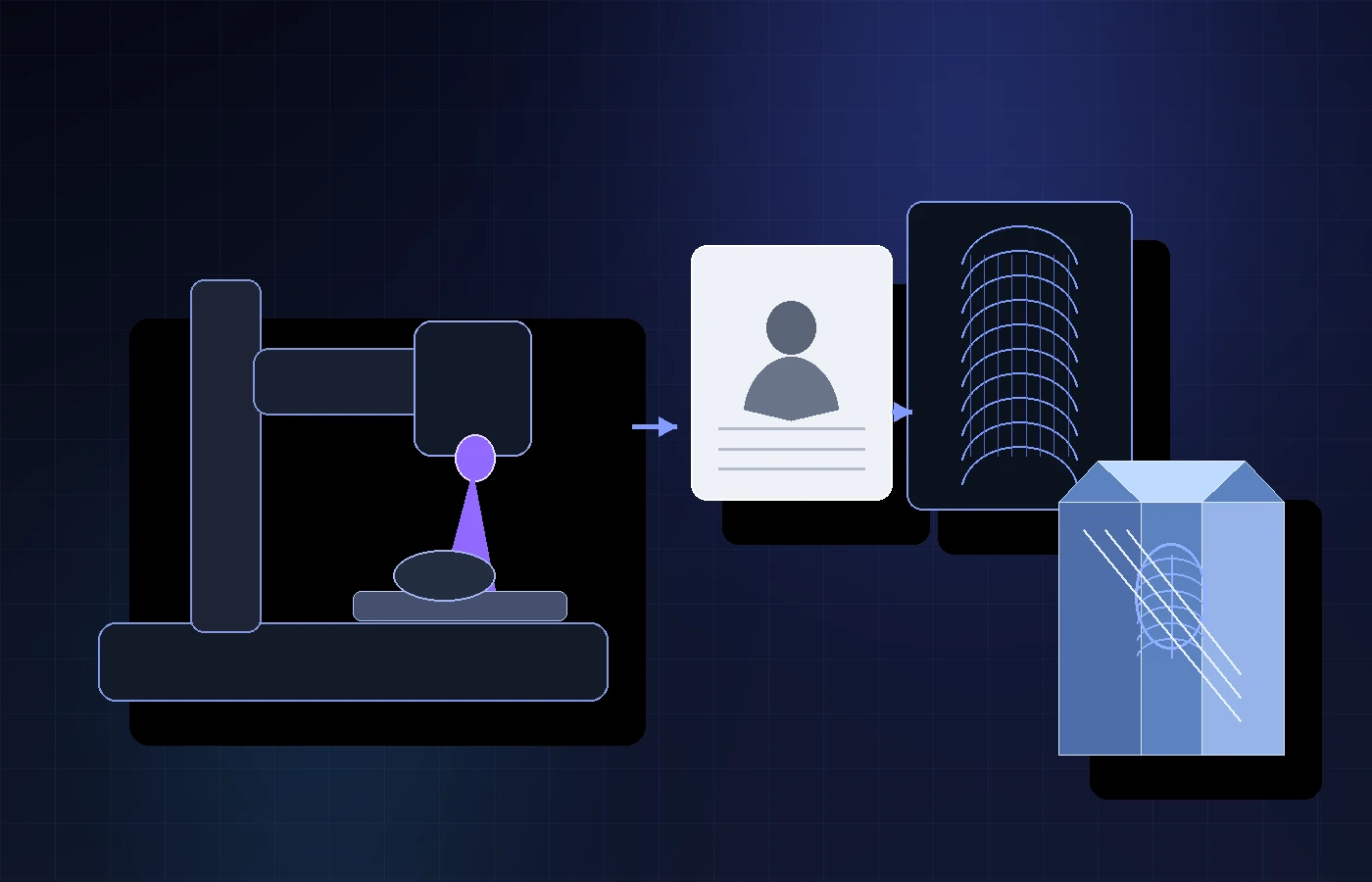
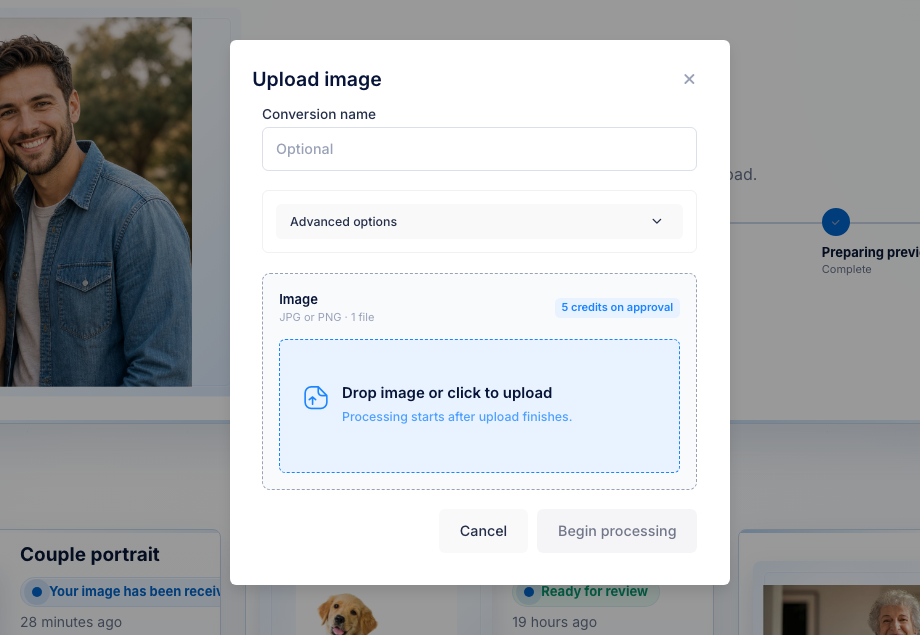
A customer wants a crystal gift, pet memorial, award, or portrait. Your Omni X workflow handles the machine side, but the photo still has to become depth. Upload the image, preview the generated 3D file, then approve final exports for 5 credits ($5 USD).
No credit card required. 25 free credits included, enough for 5 approved files. Upload and preview are free. 3DConversions is not affiliated with ComMarker.
The inner-engraving search misses one step
Omni X research often jumps straight to glass, crystal, awards, gifts, inner engraving, settings, and material tests. But a real order starts earlier: does this customer photo produce enough 3D depth to be worth engraving? 3DConversions answers that before credits or machine time are spent.
Portraits, pets, memorials, couple photos, awards, and gift images.
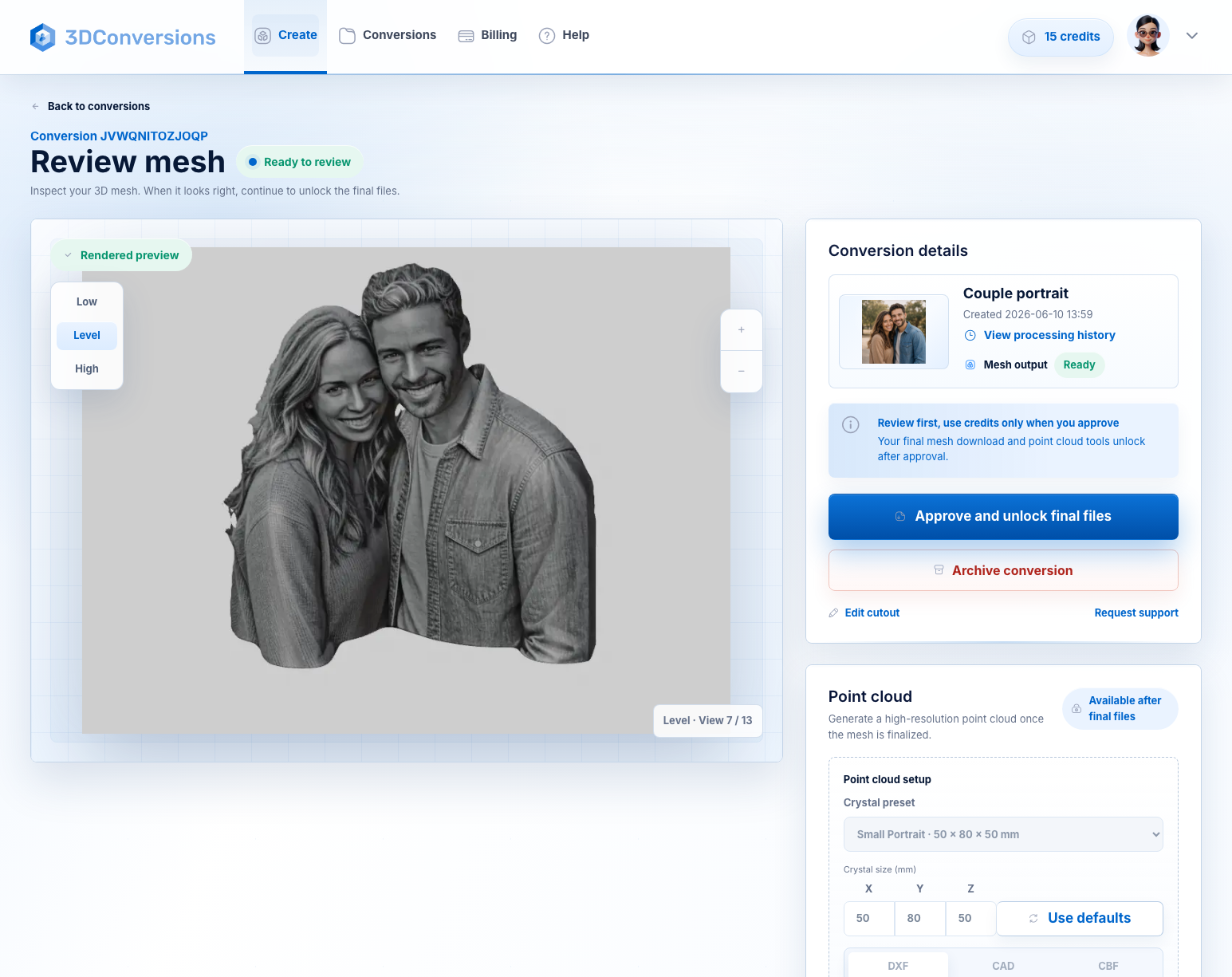
Review face depth, hair edges, and silhouette before spending credits.
Each approved file uses 5 credits. 25 credits are included on signup.
Import path, material testing, fixture, focus, and settings remain machine-specific.
Workflow
A practical way to check the customer file before you promise the finished crystal, award, or gift.
Start with JPG or PNG.
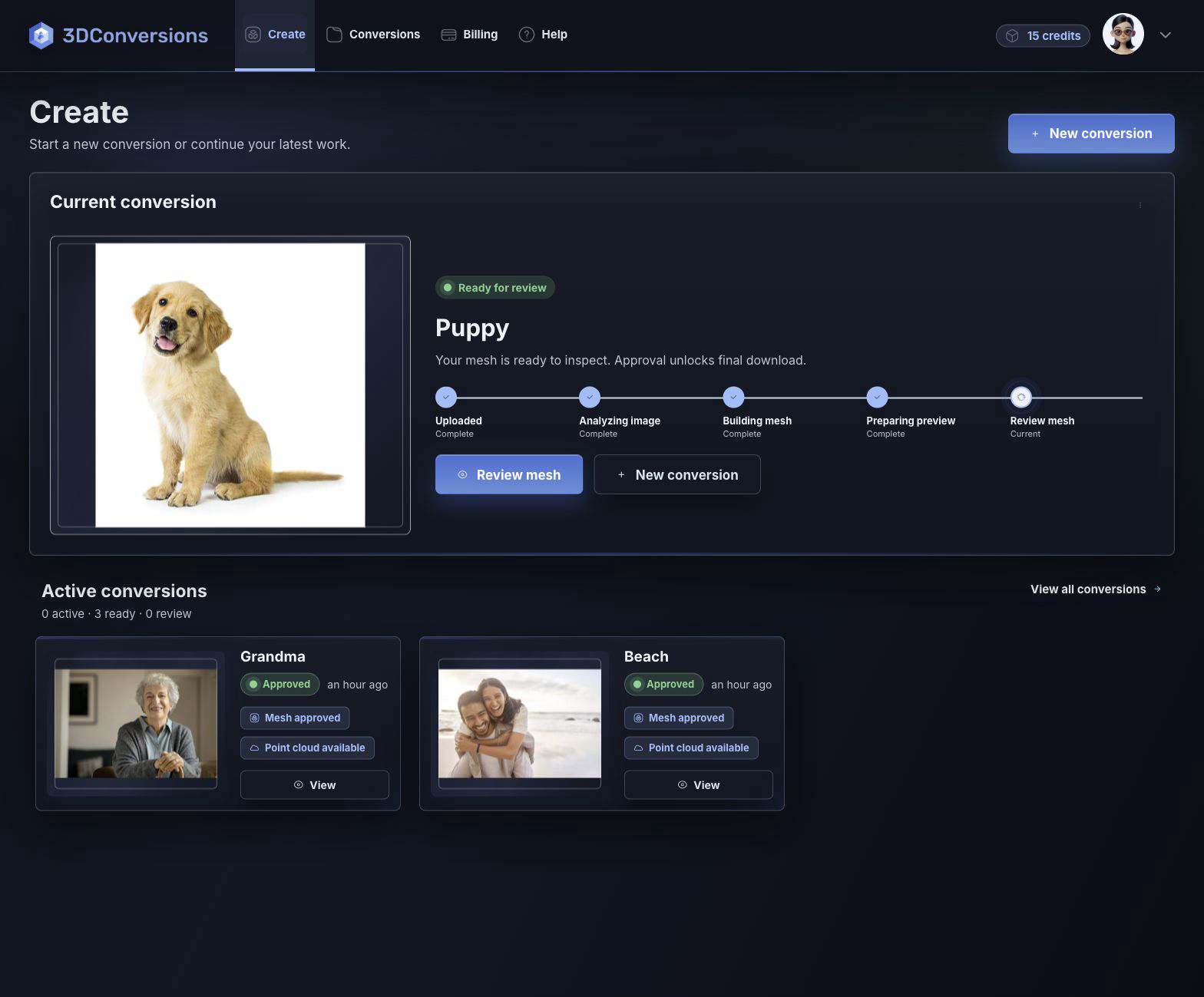
Check face depth, subject edge, and overall shape before approval.
Download OBJ plus DXF, CAD, and CBF point-cloud exports after approval, then test the handoff in your Omni X workflow.
Start with customer image files.

OBJ mesh plus point-cloud exports after approval.
DXF, CAD, and CBF after approval.
per approved file
1 credit = $1 USD. Upload, processing, and preview are free.Downloads are available after approval and include OBJ mesh plus DXF, CAD, and CBF point-cloud exports.
File and output details
3DConversions creates the reviewable 3D file from the customer photo. It does not replace Omni X software, import setup, focus, material testing, or calibration.
Example result
A crystal gift order might start as a pet photo, memorial portrait, couple image, or award graphic. Preview the generated depth first. If the subject is weak, do not approve it. If it is ready, download OBJ plus DXF, CAD, and CBF exports for your Omni X workflow test.
Start free with 25 credits
Depth build
FAQ
No. ComMarker names are used only to describe UV laser workflows operators may be researching.
It is for Omni X owners researching photo-to-3D file preparation for glass, crystal, and inner-engraving workflows. Final engraving behavior depends on machine setup, material, software, fixture, and settings.
Test the real customer photo, generated depth, material, import path, fixture, focus, and final engraving quality before selling the finished piece. 3DConversions prepares the photo-to-3D file; your Omni X workflow controls the machine result.
After approval, you can download OBJ mesh plus DXF, CAD, and CBF point-cloud exports.
No. 3DConversions creates 3D files from customer photos. Machine software import, controller support, settings, and calibration remain in your workflow.
Each approved file uses 5 credits ($5 USD). Free signup includes 25 credits, enough for 5 approved files. Uploading, processing, and previewing are free. Credits are used only when you approve final files.
Start with one Omni X customer photo
Upload one customer image, preview the generated 3D depth, then approve final files for 5 credits ($5 USD) only when the result is ready.
No credit card required. 3DConversions is not affiliated with ComMarker.