Start with the image
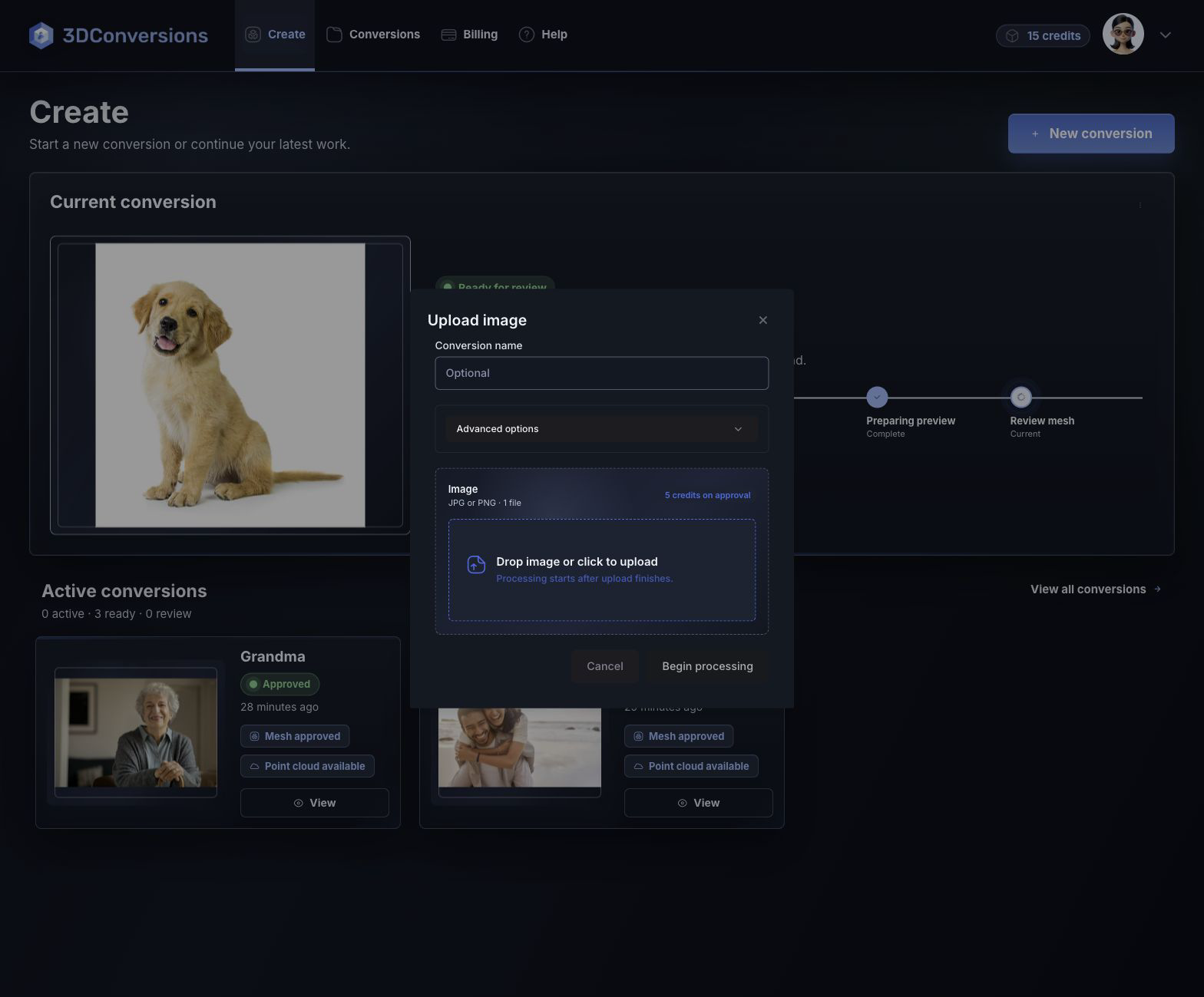
Upload the customer image already attached to the order.


Image to 3D mesh
Upload a customer image, run an image to 3D conversion, review the generated 3D mesh preview, and approve only when the file is ready for download.
No credit card required. 25 credits included. 1 credit = $1 USD. Upload and review before using credits.
Built for mesh review
A mesh file is only useful when your team can inspect the shape, subject edge, and generated depth. 3DConversions keeps the image to 3D conversion process reviewable before credits are used.
Upload the customer image already attached to the order.
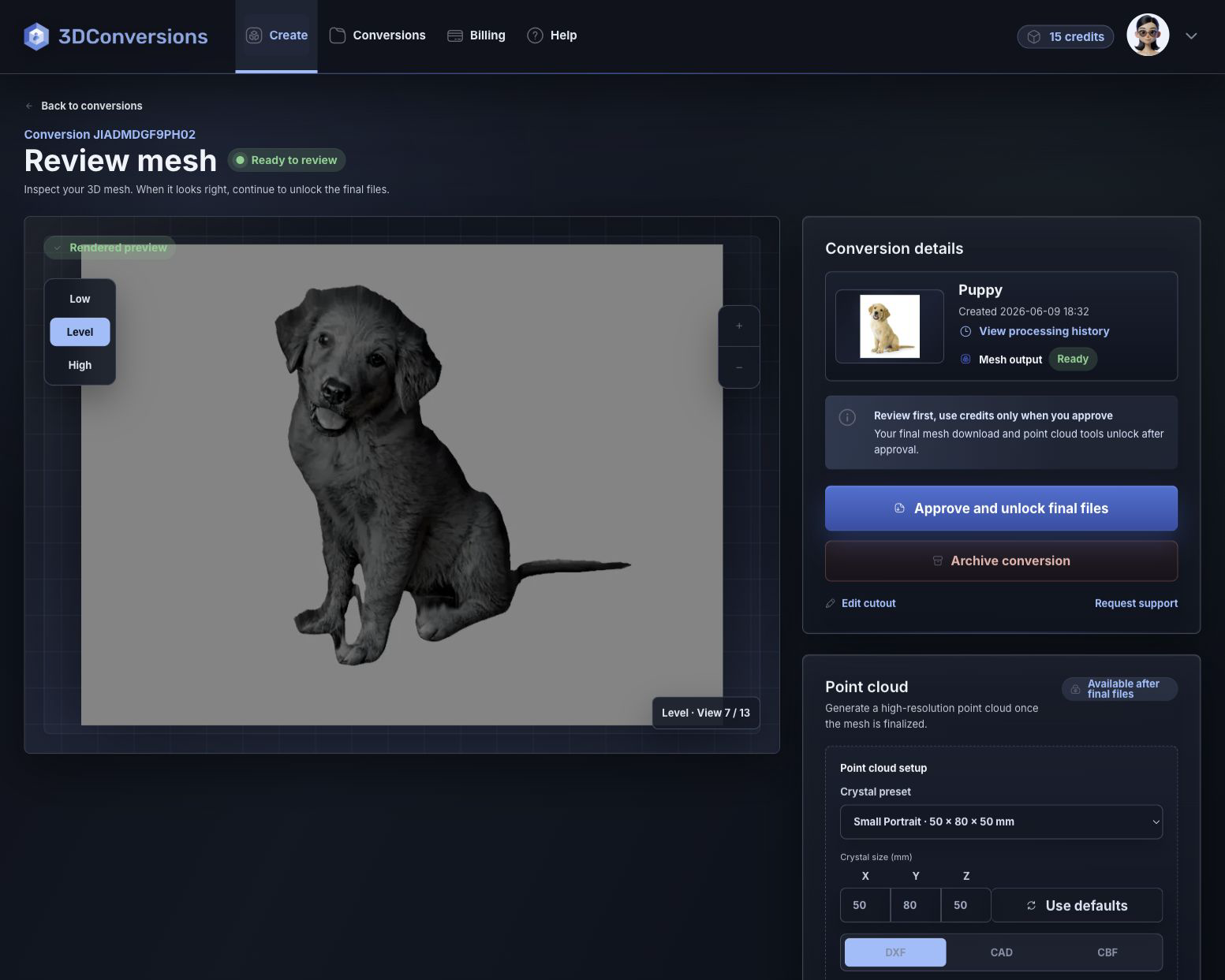
Review the generated 3D mesh before approving final files.
Export the approved OBJ mesh plus DXF, CAD, and CBF point-cloud outputs.
Workflow
A simple image to 3D conversion workflow with mesh review and approval control.
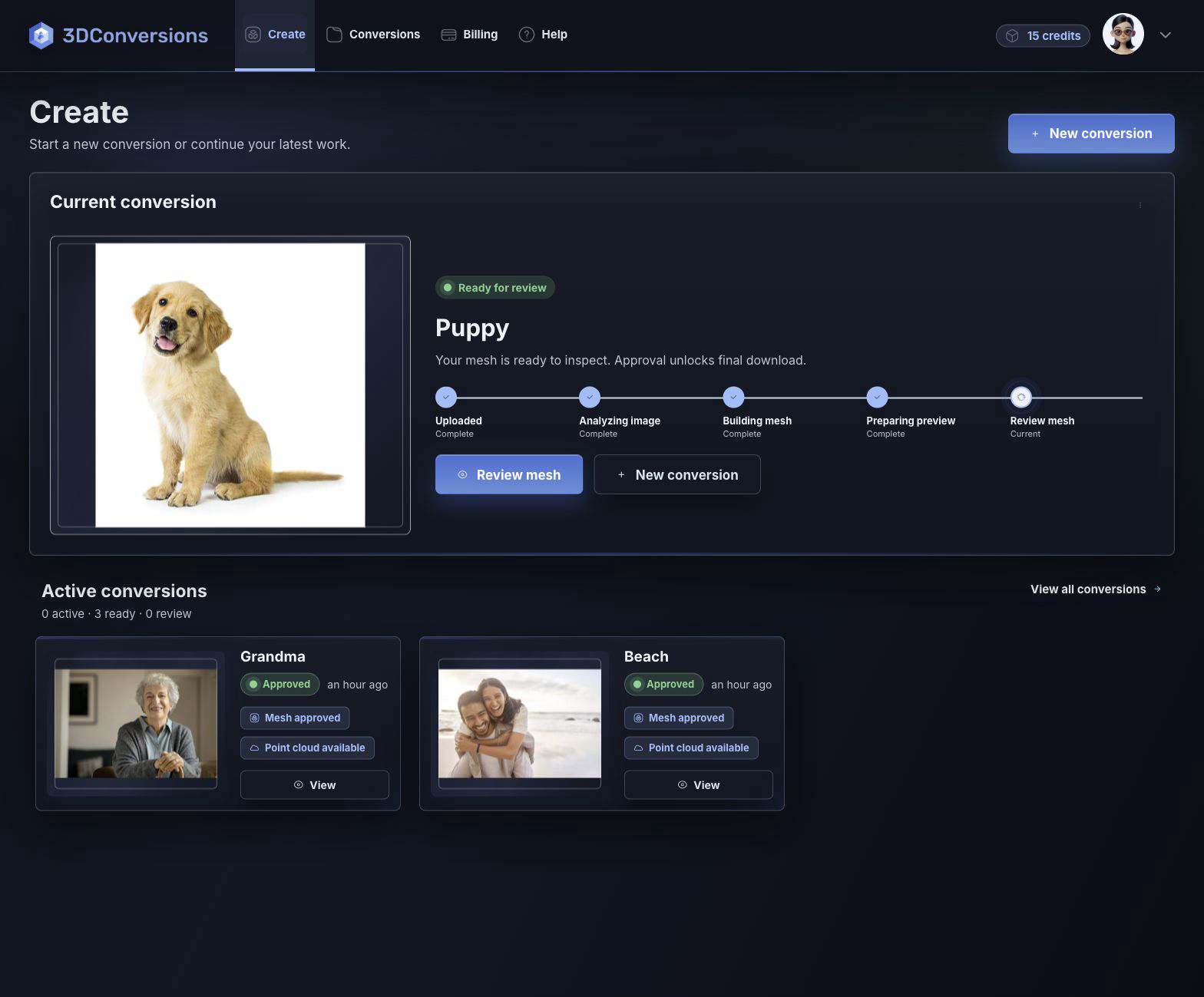
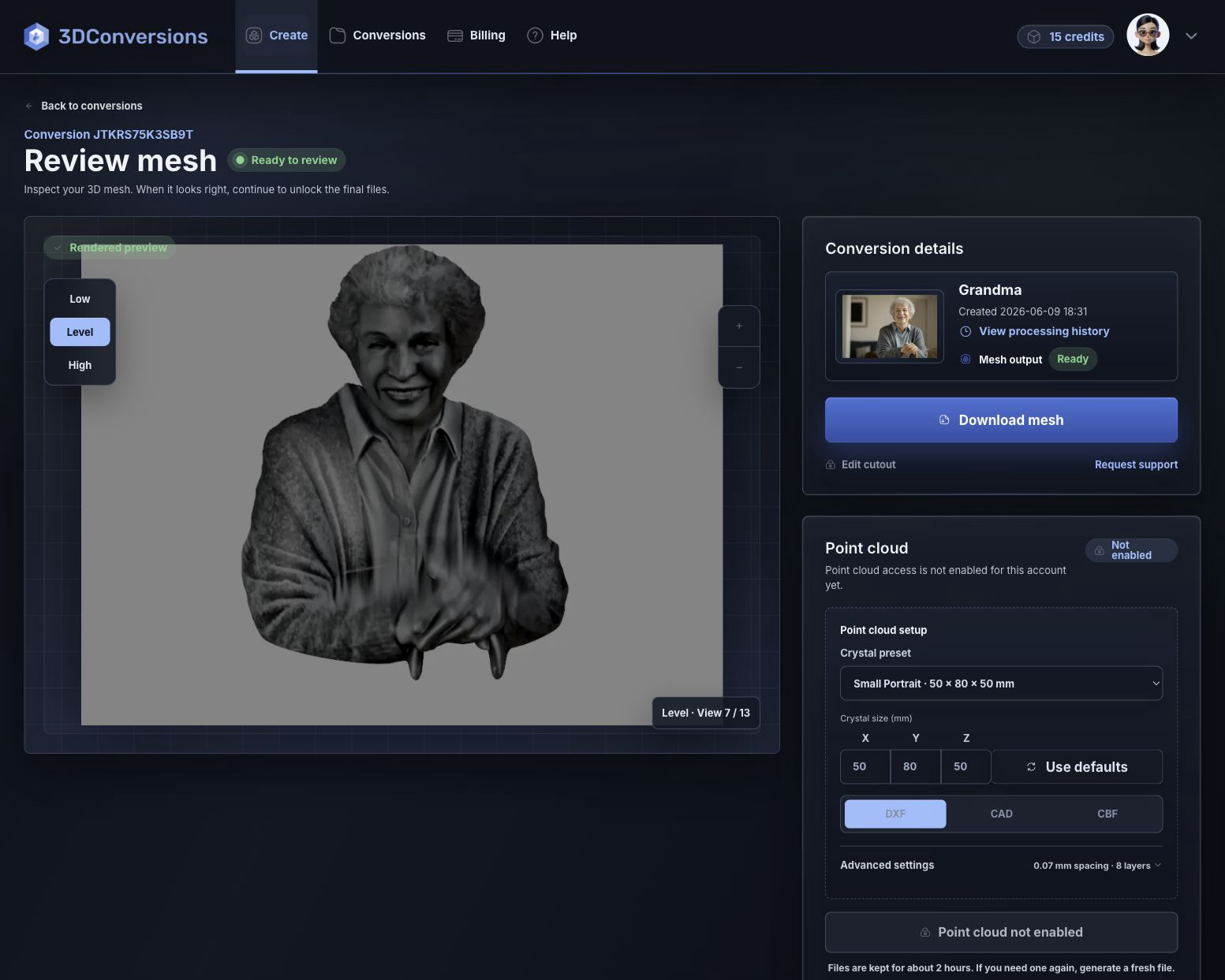
Add a JPG, PNG, or HEIC customer image.
3DConversions generates a reviewable mesh preview.
Inspect the subject, edge, and depth before approval.
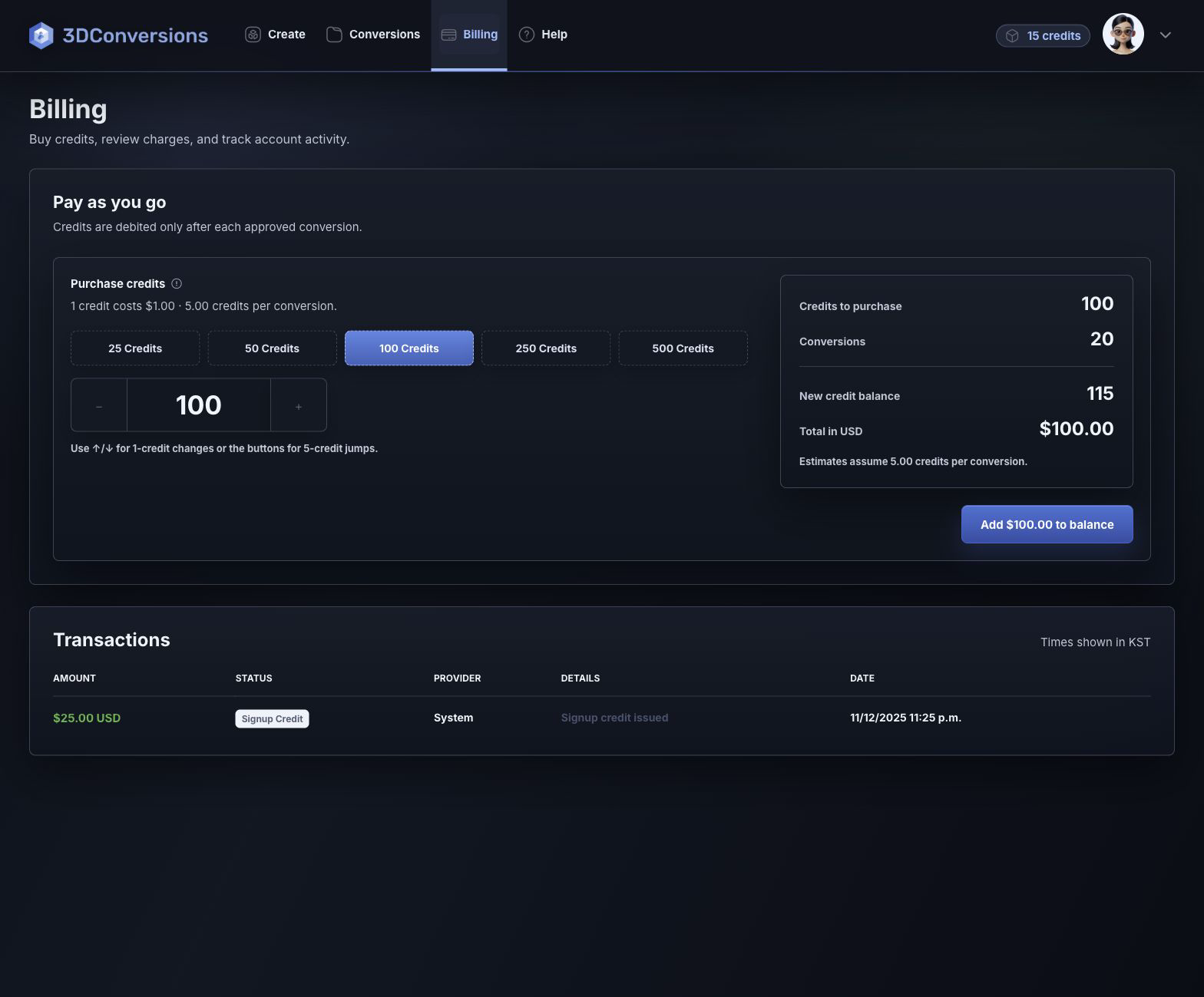
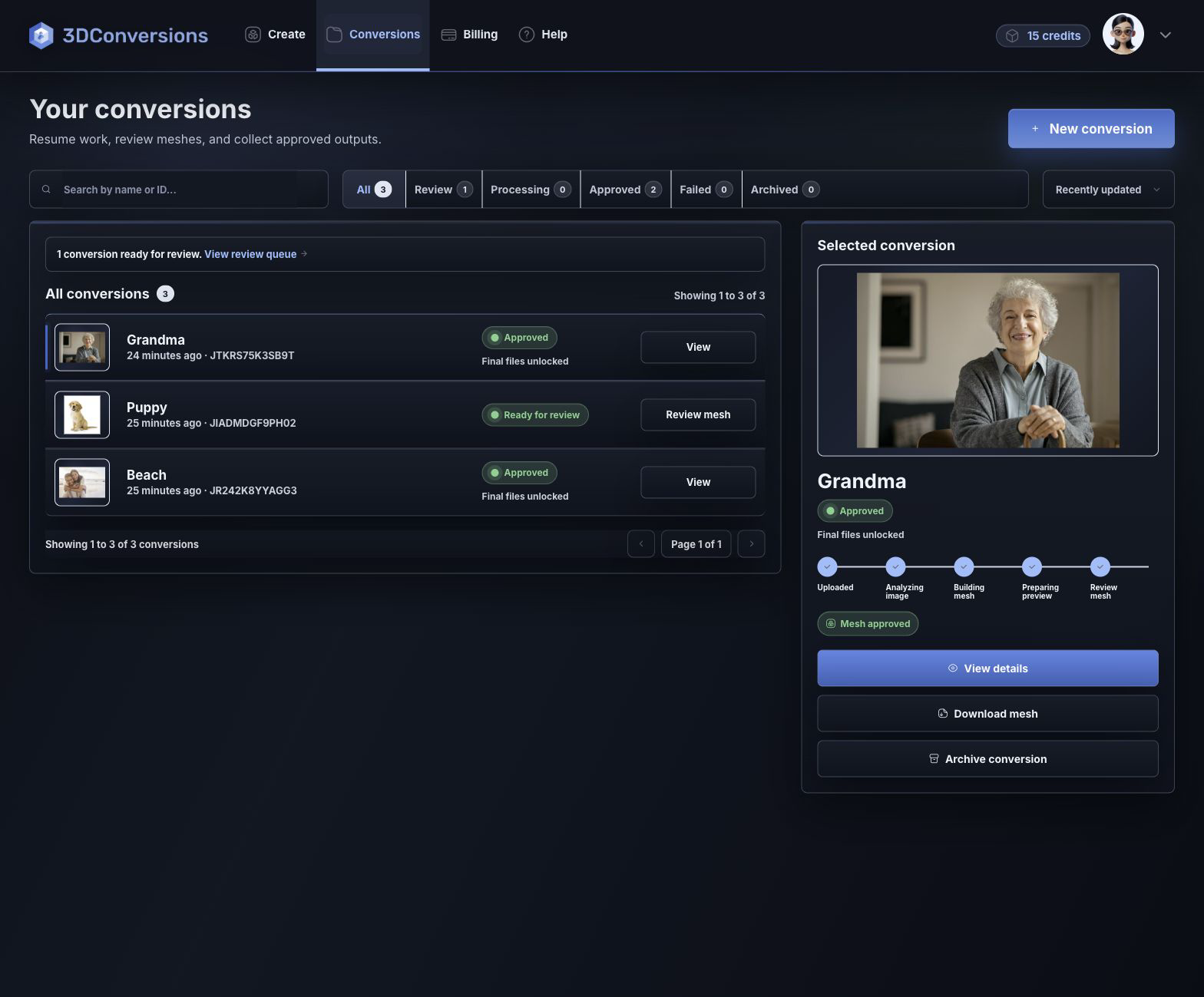
Credits are used only after approval.
Download OBJ mesh files plus DXF, CAD, and CBF point-cloud outputs.
Upload JPG, PNG, or HEIC customer images.
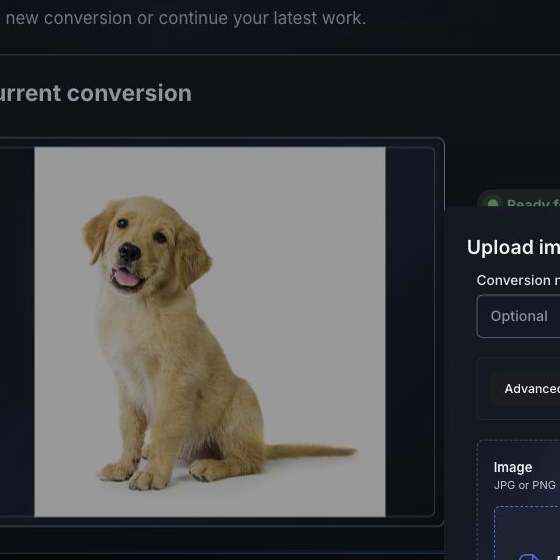
OBJ mesh after approval.
DXF, CAD, and CBF after approval.
per approved image
1 credit = $1 USD. Upload, processing, and review are free.Downloads are available after approval and include OBJ mesh plus DXF, CAD, and CBF point-cloud exports.
Files and outputs
Start with common image files and finish with an approved 3D mesh for your workflow.
Example conversion
Inspect the mesh preview before approving final file downloads.
Upload your first image free
Depth build
FAQ
Yes. Upload a customer image, inspect the generated 3D mesh preview, and approve only when the image to 3D conversion is ready for final files.
JPG, PNG, and HEIC are supported.
Yes. You can review the mesh preview before credits are used.
After approval, you can download the OBJ mesh plus DXF, CAD, and CBF point-cloud files.
Teams preparing customer images for laser engraving, 3D review, and approved file downloads.
Start a mesh conversion
Create a free account, upload an image, and inspect the generated mesh before using credits.
No credit card required to start.