Use the real order image
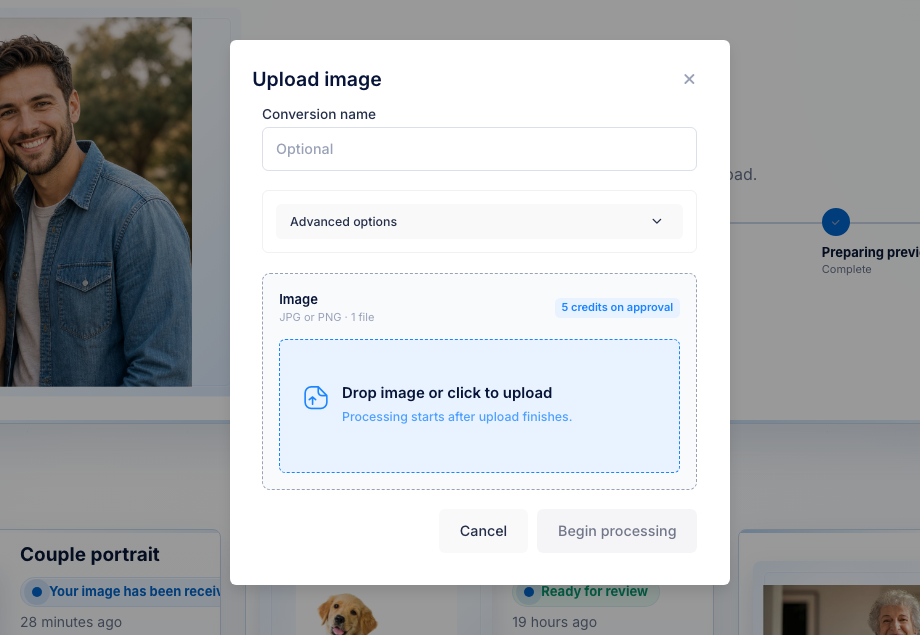
Start from the customer photo already in your inbox.


Photo to 3D for UV laser owners
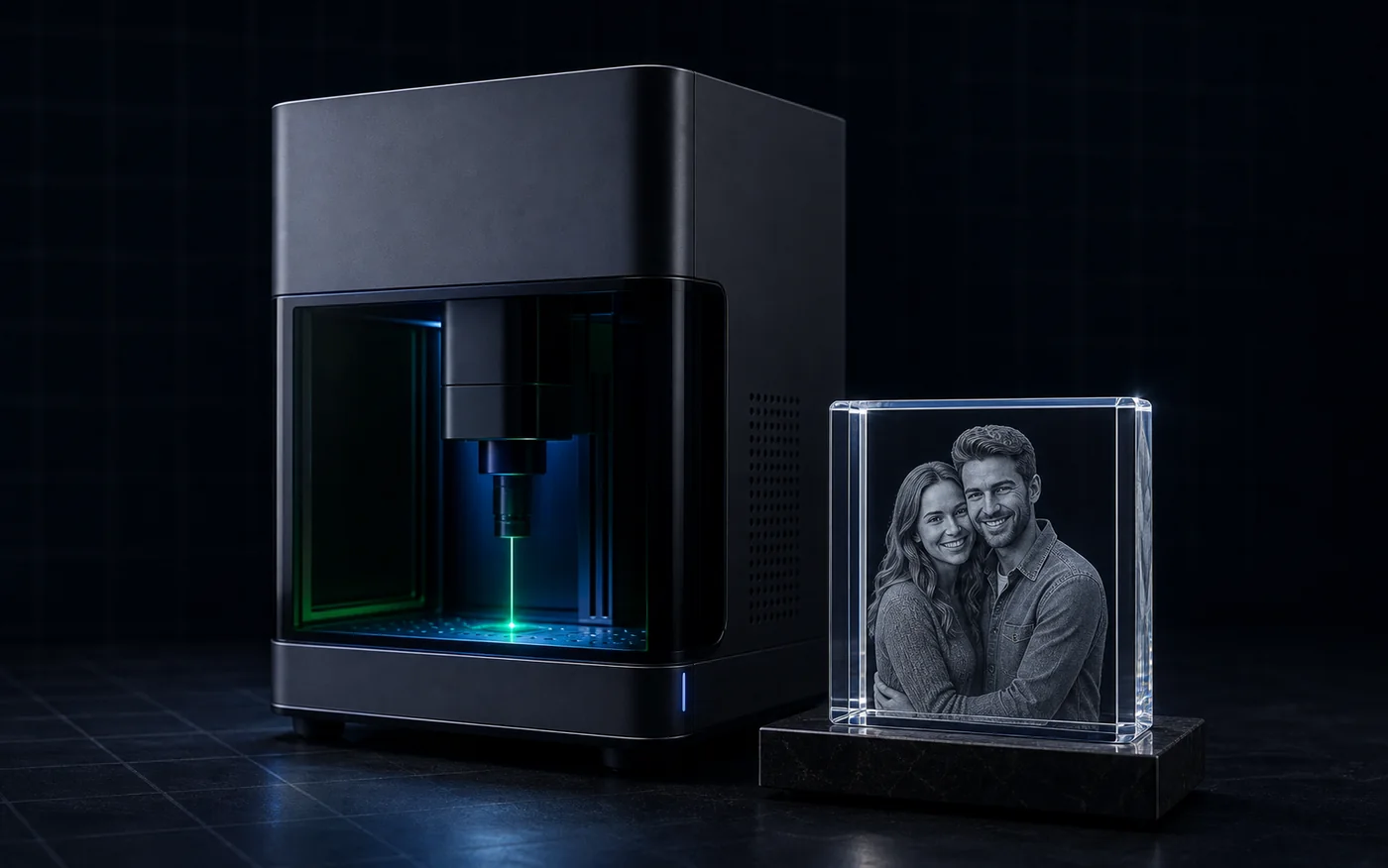
The UV laser is not the bottleneck. The flat photo is. Upload the customer JPG or PNG, generate a reviewable 3D depth mesh, then approve final OBJ plus point-cloud exports only when the subject shape, clean edge, and face or pet depth are strong enough to use. This creates files, not G-code, laser settings, or calibration.
No credit card required. 25 free credits included, enough for 5 approved files. Upload and preview are free. Each approved file uses 5 credits ($5 USD).
The photo is not the file
A customer sends a portrait, pet photo, memorial image, or product picture. They want an engraved result, not a conversation about 3D modeling. 3DConversions gives you the missing step: turn the flat photo into reviewable depth, decide if it is good enough, then approve the final file.
Start from the customer photo already in your inbox.
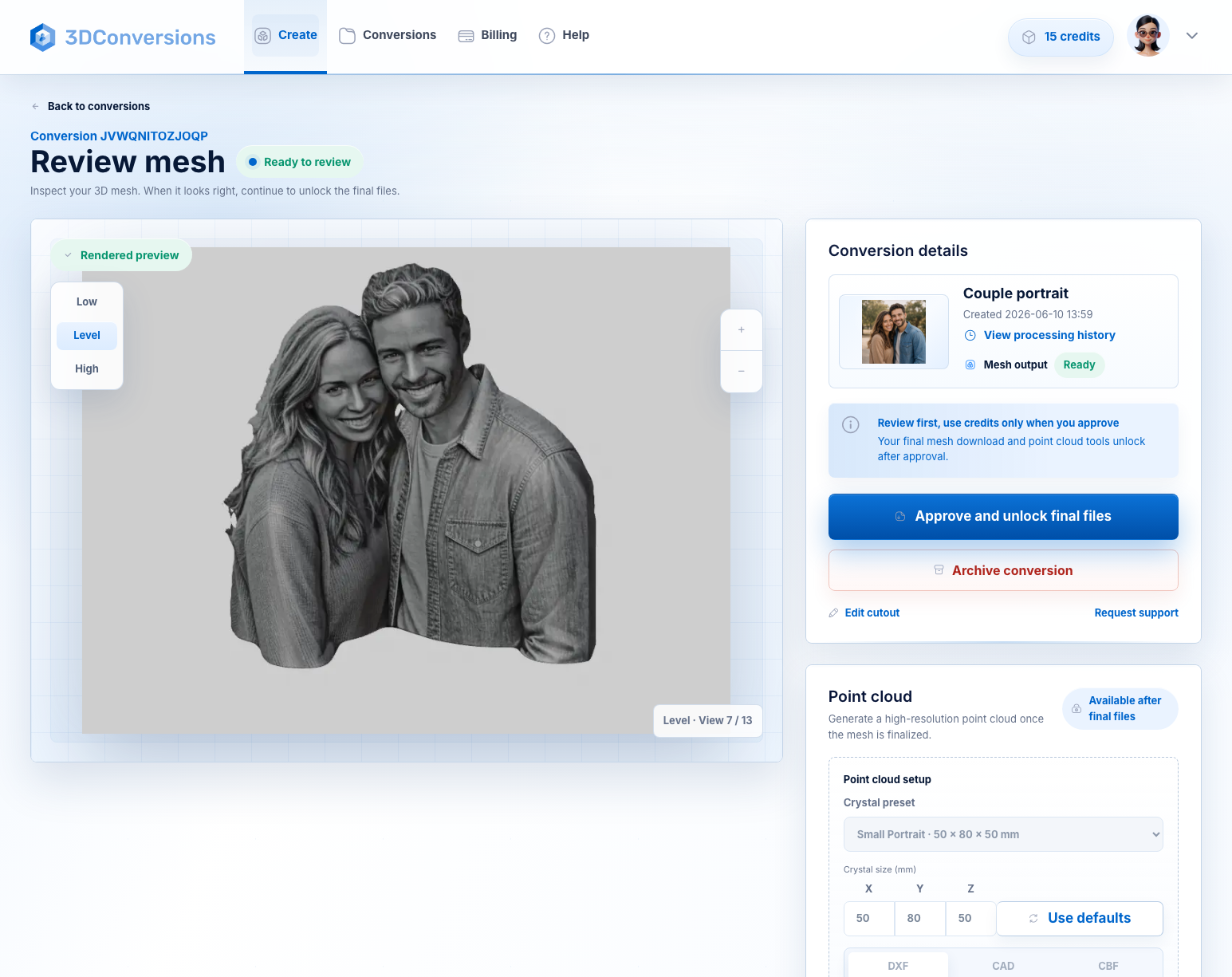
Preview the generated 3D mesh before credits are used.
Final files use 5 credits. 1 credit = $1 USD.
Software import, settings, material tests, and calibration stay operator-controlled.
Workflow
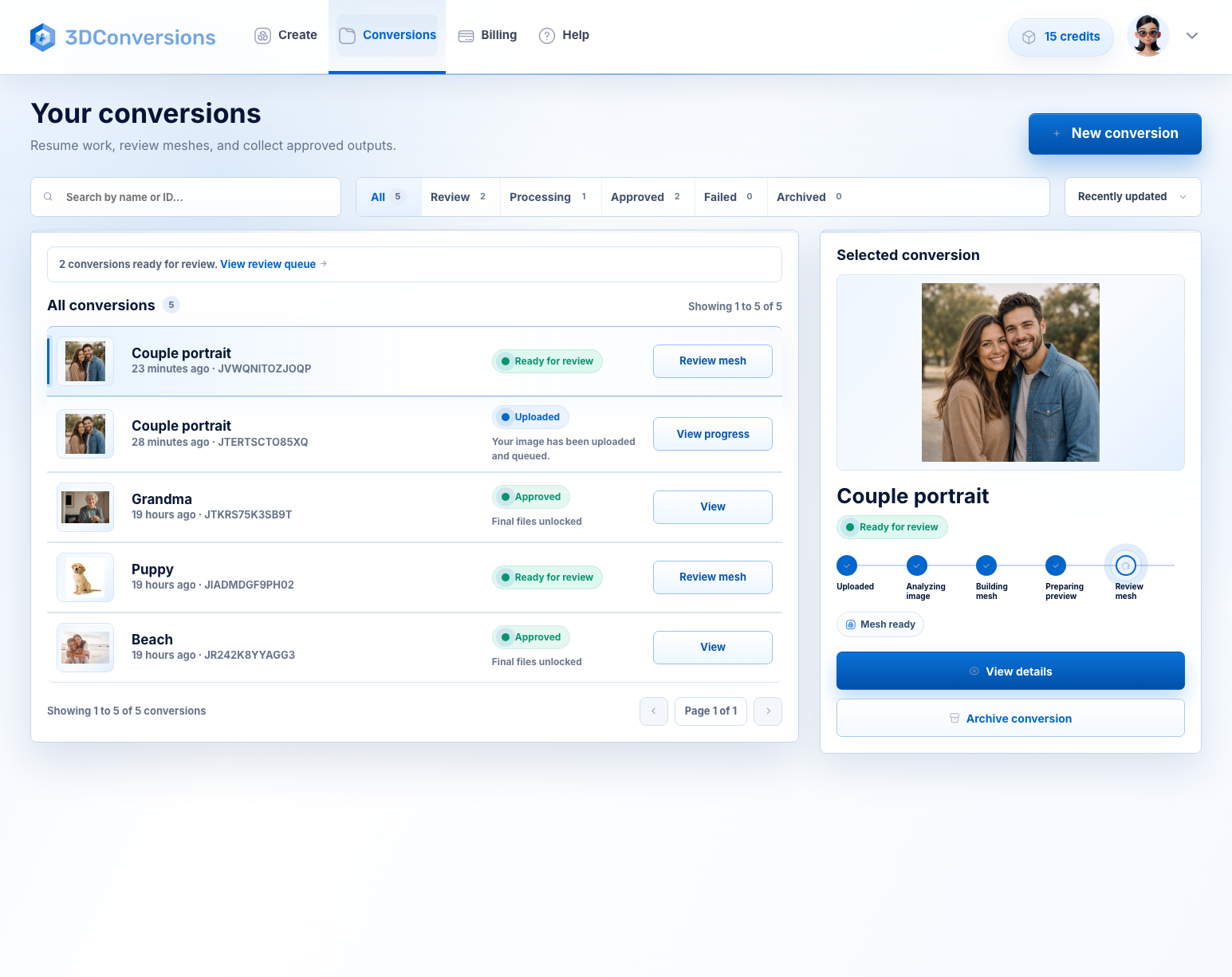
You do not need to guess whether a flat customer photo will work. Preview the generated depth first.
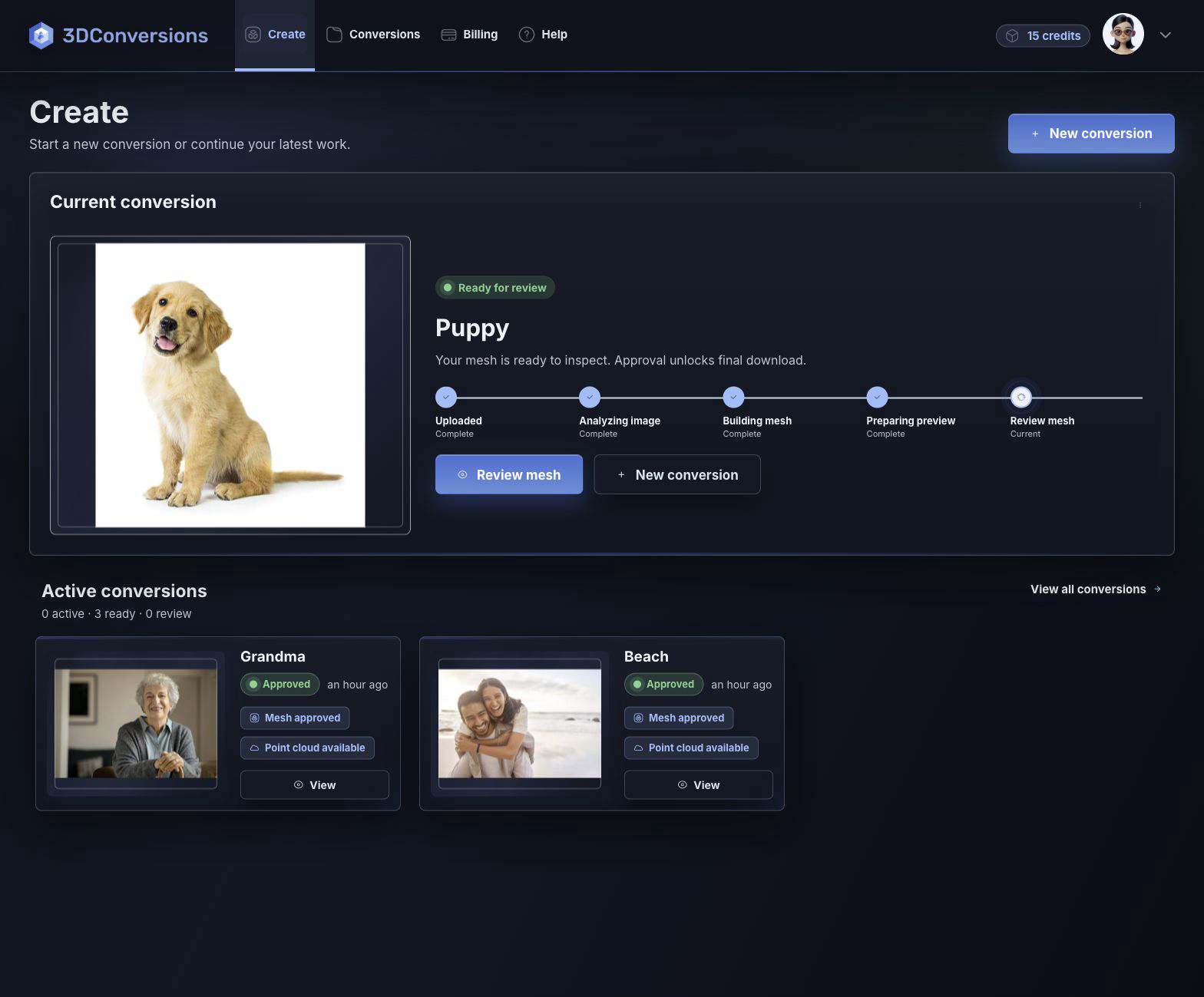
Start with the JPG or PNG the customer already sent.
Check face depth, subject edges, and overall shape before spending credits.
If the depth is usable, approve for 5 credits ($5 USD) and download OBJ plus DXF, CAD, and CBF point-cloud exports.
Start with common customer image files.

3D depth mesh generated from the customer photo.
DXF, CAD, and CBF after approval.
per approved file
1 credit = $1 USD. Upload, processing, and preview are free.Downloads are available after approval and include OBJ mesh plus DXF, CAD, and CBF point-cloud exports.
File and output details
Upload and preview are free. When the generated depth shows clear subject shape, clean edges, and usable face or pet depth for your UV laser workflow, approve the file for 5 credits ($5 USD) and download the production exports.
Example result
Upload the flat photo, inspect the generated depth, and decide before credits are used. If it is ready, approve it for 5 credits ($5 USD) and continue with your laser workflow.
Start free with 25 credits
Depth build
FAQ
Yes. 3DConversions creates a 3D depth mesh from common customer images so you can preview the result before approving final files.
No. A 2D photo engraving uses the flat image. A 3D UV, crystal, glass, or subsurface workflow needs depth-aware file preparation.
Yes. A UV-vs-green comparison tells you what machine to test. 3DConversions tells you whether the customer photo can become a usable 3D file before either machine spends production time.
Start with common customer image files such as JPG or PNG.
After approval, you can download the OBJ mesh plus DXF, CAD, and CBF point-cloud exports.
Free signup includes 25 credits, enough for 5 approved files. Each approved file uses 5 credits ($5 USD).
No. 3DConversions creates the 3D file from the customer photo. Your machine settings, software import, material behavior, focus, and calibration stay in your workflow.
Start with the photo in your inbox
Create a free account with 25 credits, upload a real customer image, preview the generated 3D depth, and approve final files only when the subject shape, edge, and face or pet depth look worth using.
No credit card required. 25 free credits included, enough for 5 approved files.