Generate depth first
Turn the customer photo into a reviewable 3D mesh preview.


Photo to point cloud
Upload a customer photo, review the generated 3D mesh, and approve when the result is ready for point-cloud exports such as DXF, CAD, or CBF.
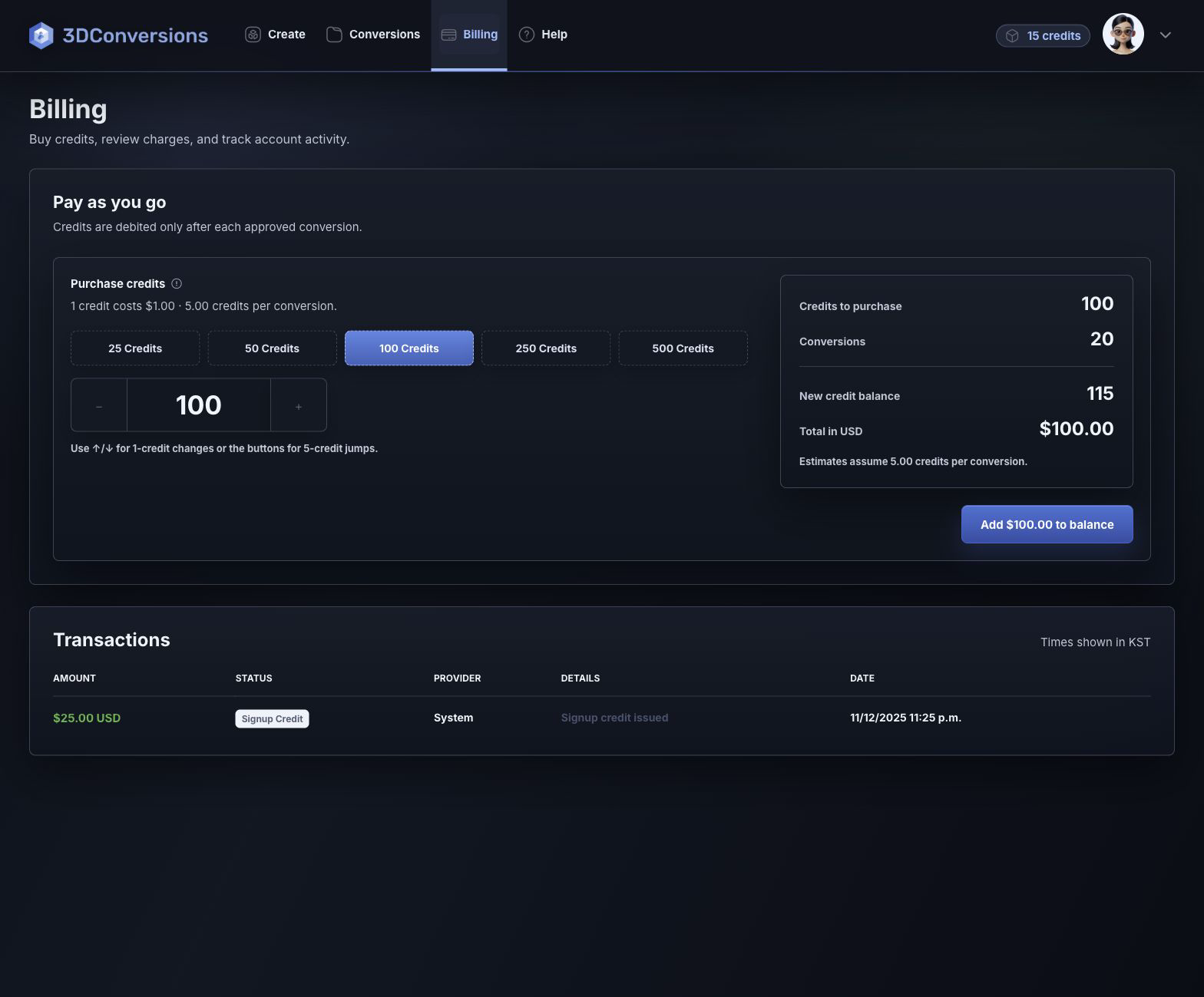
No credit card required. 25 credits included. 1 credit = $1 USD. Upload and review are free.
Built for output control
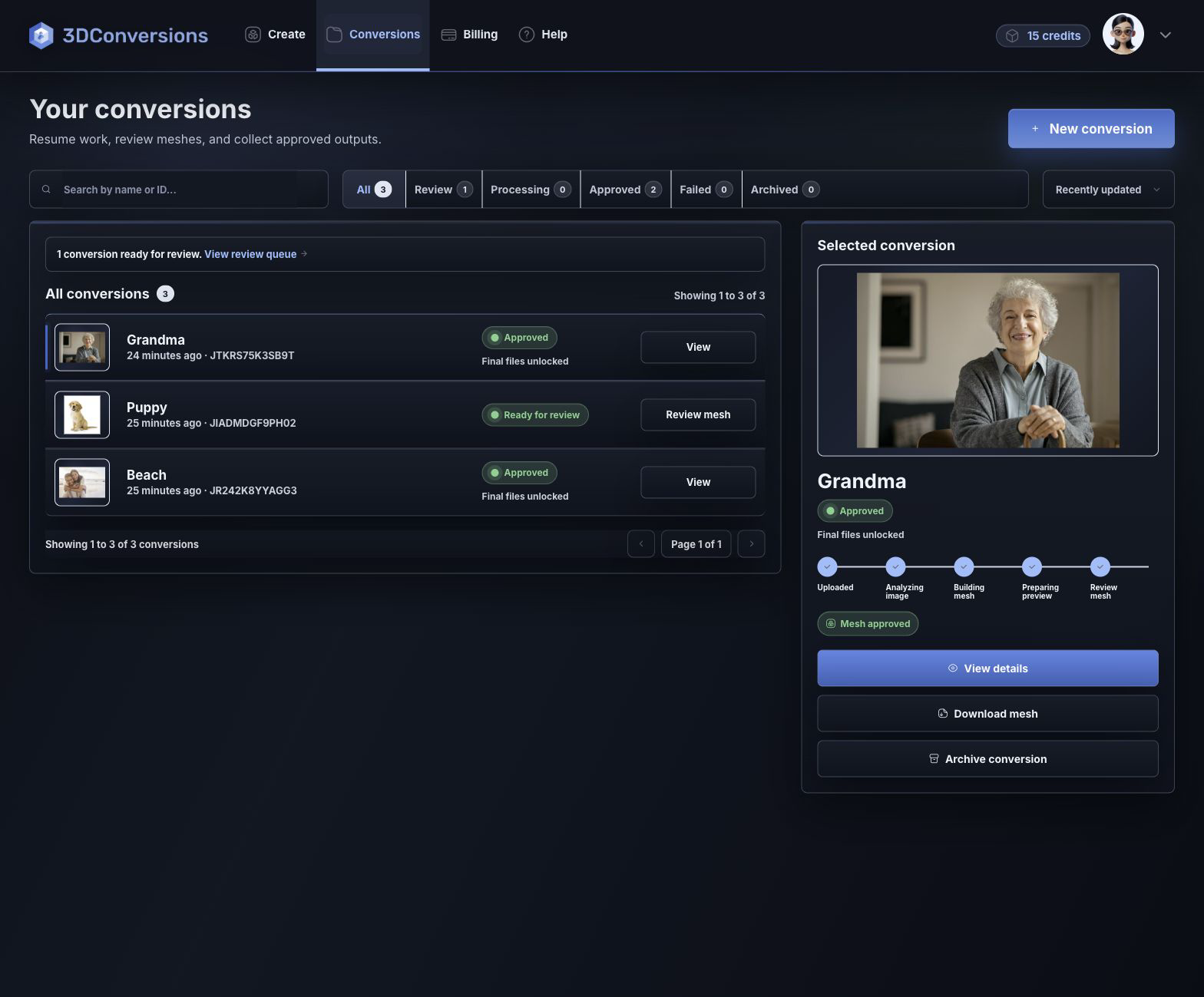
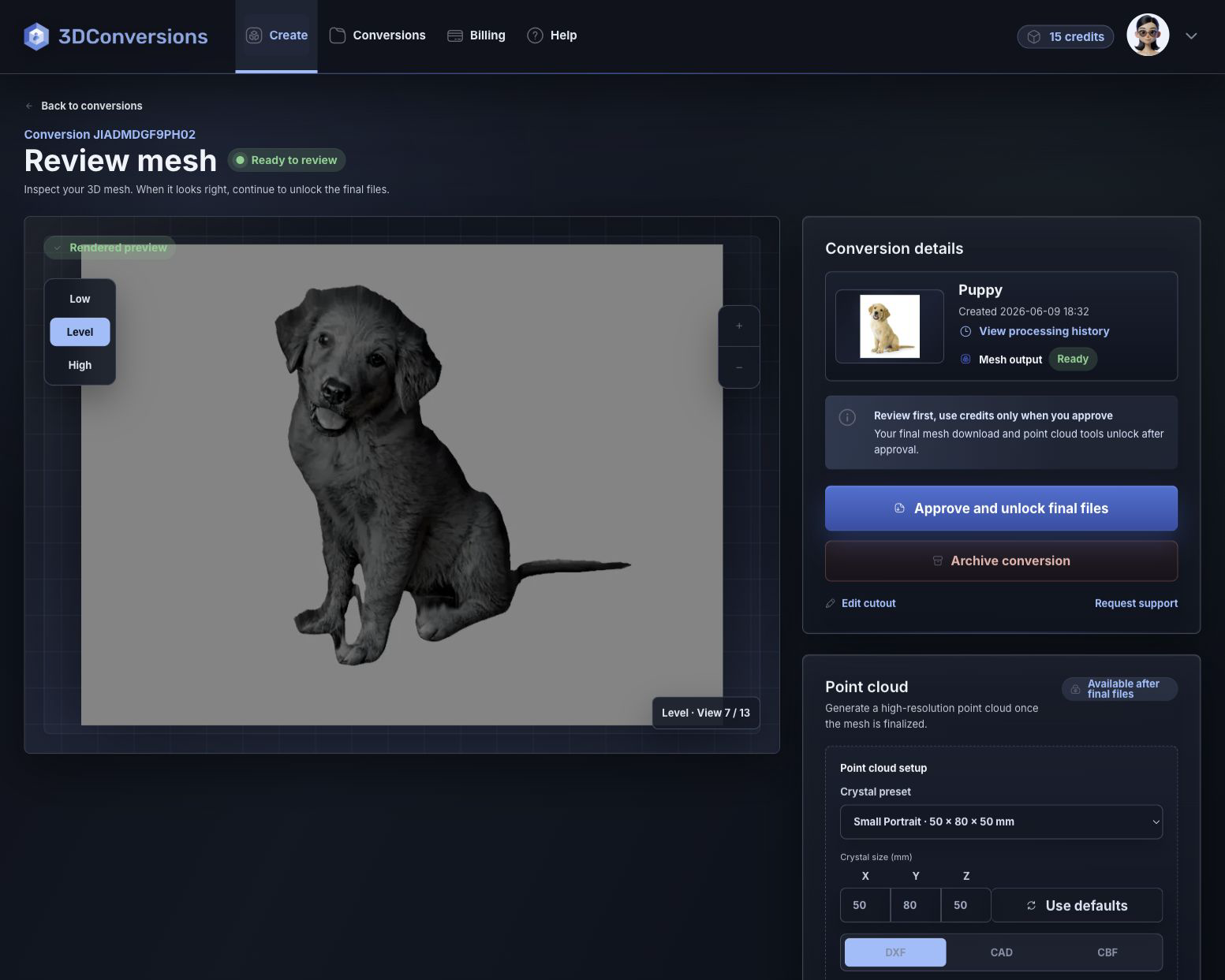
A point-cloud export is only useful when the underlying conversion is ready. 3DConversions starts with photo-to-mesh review, then unlocks DXF, CAD, and CBF point-cloud outputs after approval.
Turn the customer photo into a reviewable 3D mesh preview.
Use credits only when the conversion is ready for final files.
Download DXF, CAD, or CBF point-cloud files after approval.
Workflow
A point-cloud workflow built around review and approval.
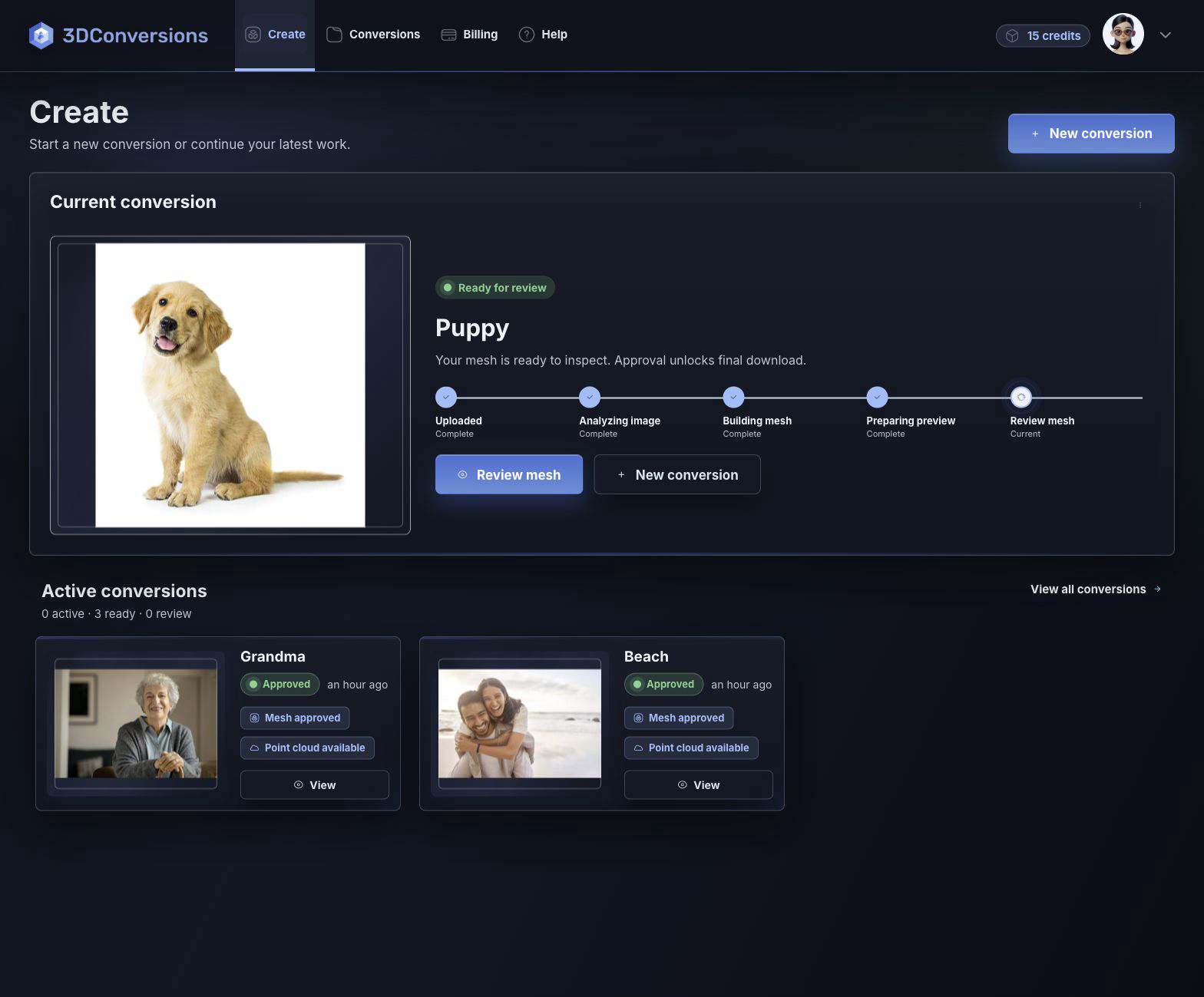
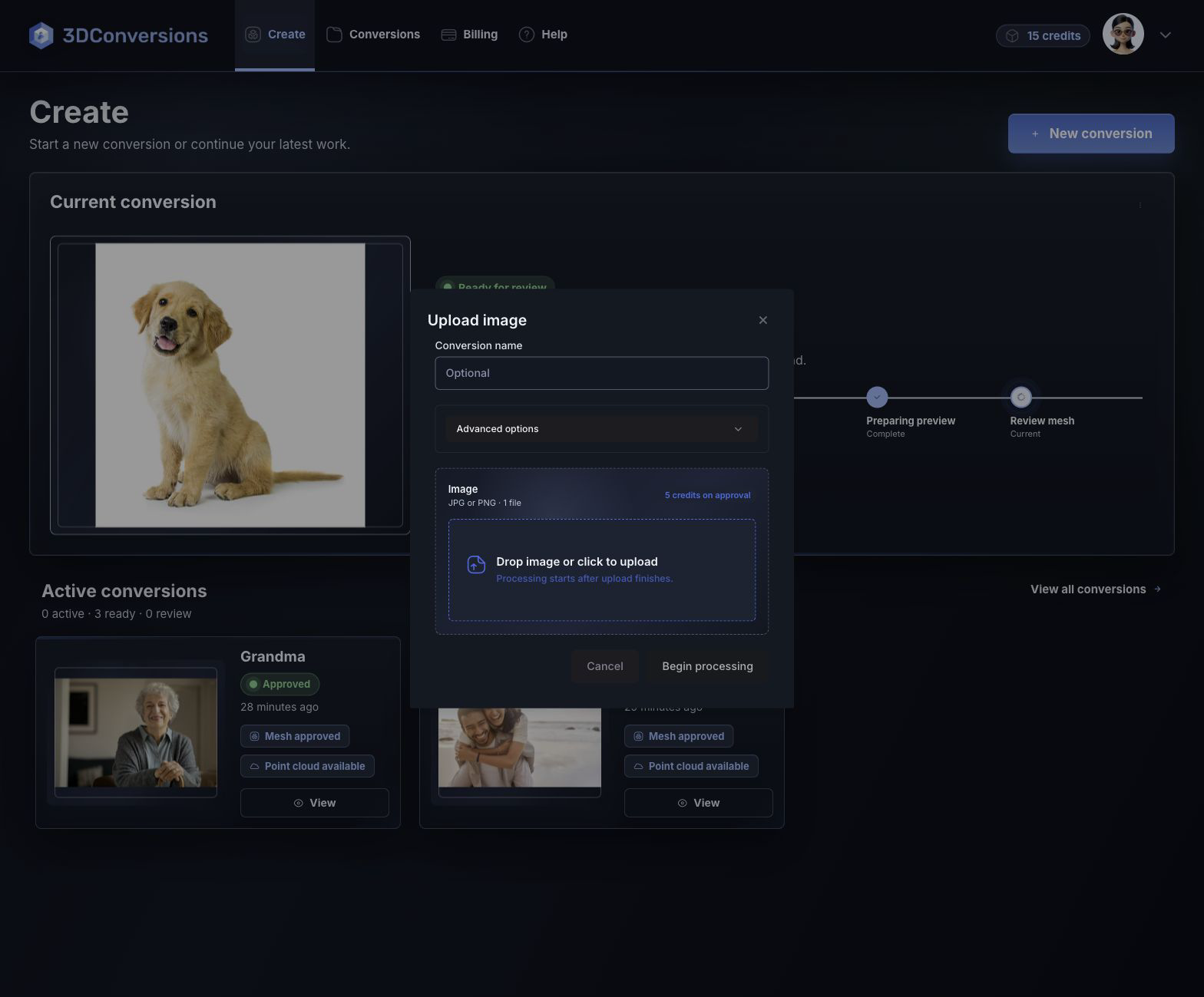
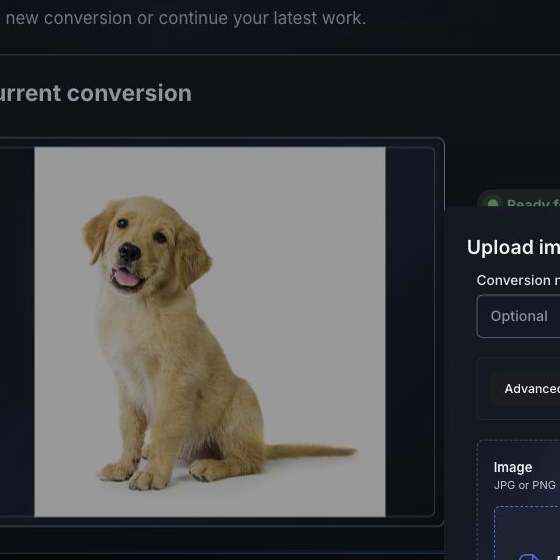
Add a JPG, PNG, or HEIC customer photo.
3DConversions creates a reviewable mesh preview.
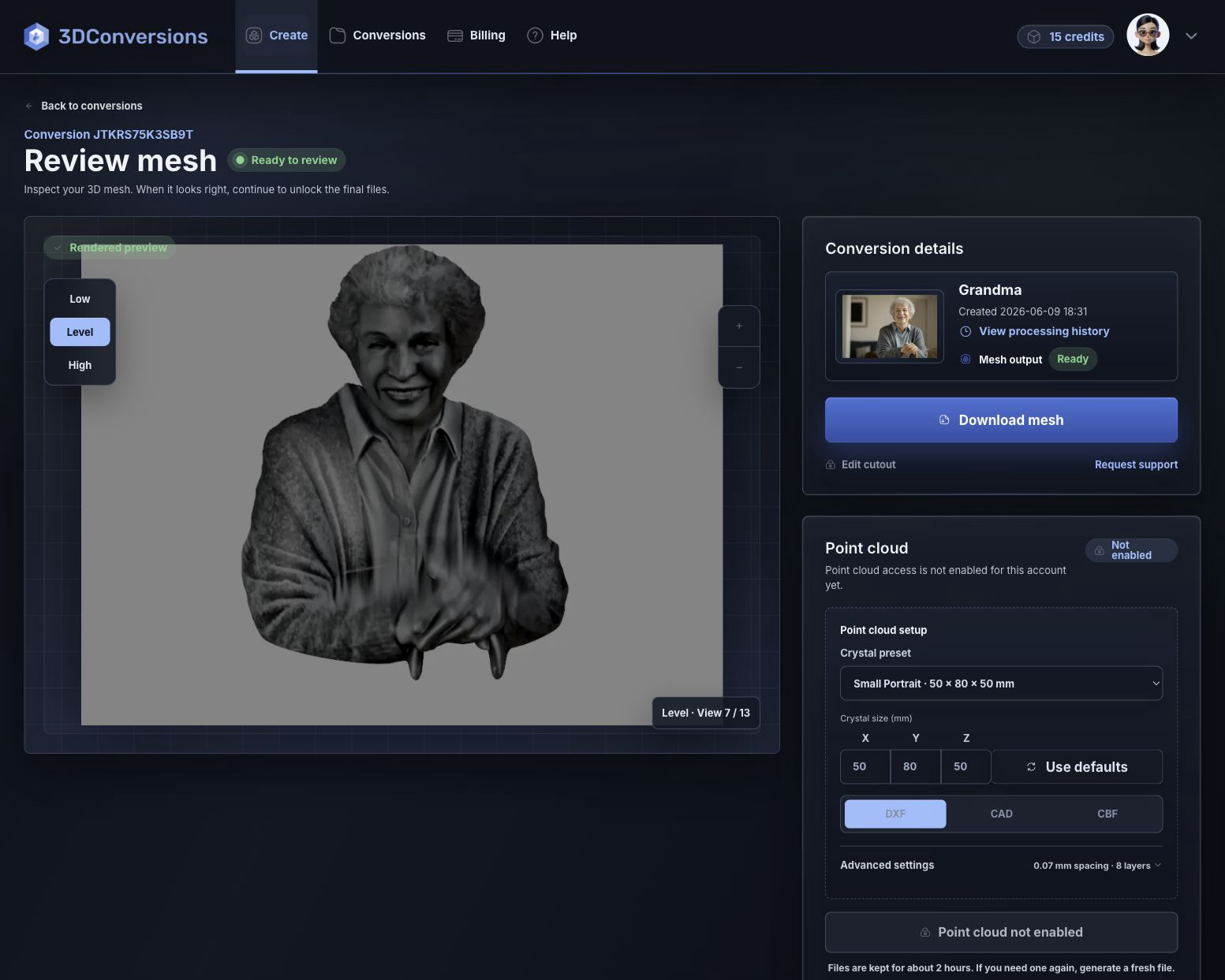
Inspect depth and subject shape before approval.
Credits are used only after approval.
Download DXF, CAD, or CBF point-cloud files after approval.
Upload customer photos in JPG, PNG, or HEIC.
OBJ mesh after approval.
DXF, CAD, and CBF after approval.
per approved image
1 credit = $1 USD. Upload, processing, and review are free.Point-cloud downloads are available after approval and include DXF, CAD, and CBF exports.
Files and outputs
Start with customer photos and finish with approved point-cloud exports for your workflow.
Example conversion
Review the mesh preview, then approve to unlock DXF, CAD, and CBF point-cloud exports.
Upload your first photo free
Depth build
FAQ
Yes. 3DConversions creates a reviewable 3D result from a customer photo, then supports DXF, CAD, and CBF point-cloud exports after approval.
Point-cloud exports include DXF, CAD, and CBF after approval.
Yes. You review the generated mesh first. Each approved image uses 5 credits, and 1 credit = $1 USD. Credits are used only after approval.
Yes. The approved OBJ mesh is available after approval.
Laser engraving teams and production shops that need point-cloud outputs from customer photo conversions.
Start a point-cloud conversion
Create a free account, upload a photo, and inspect the generated mesh before approving point-cloud outputs.
No credit card required to start.