

Photo to 3D preview
See your 3D preview before you sign up
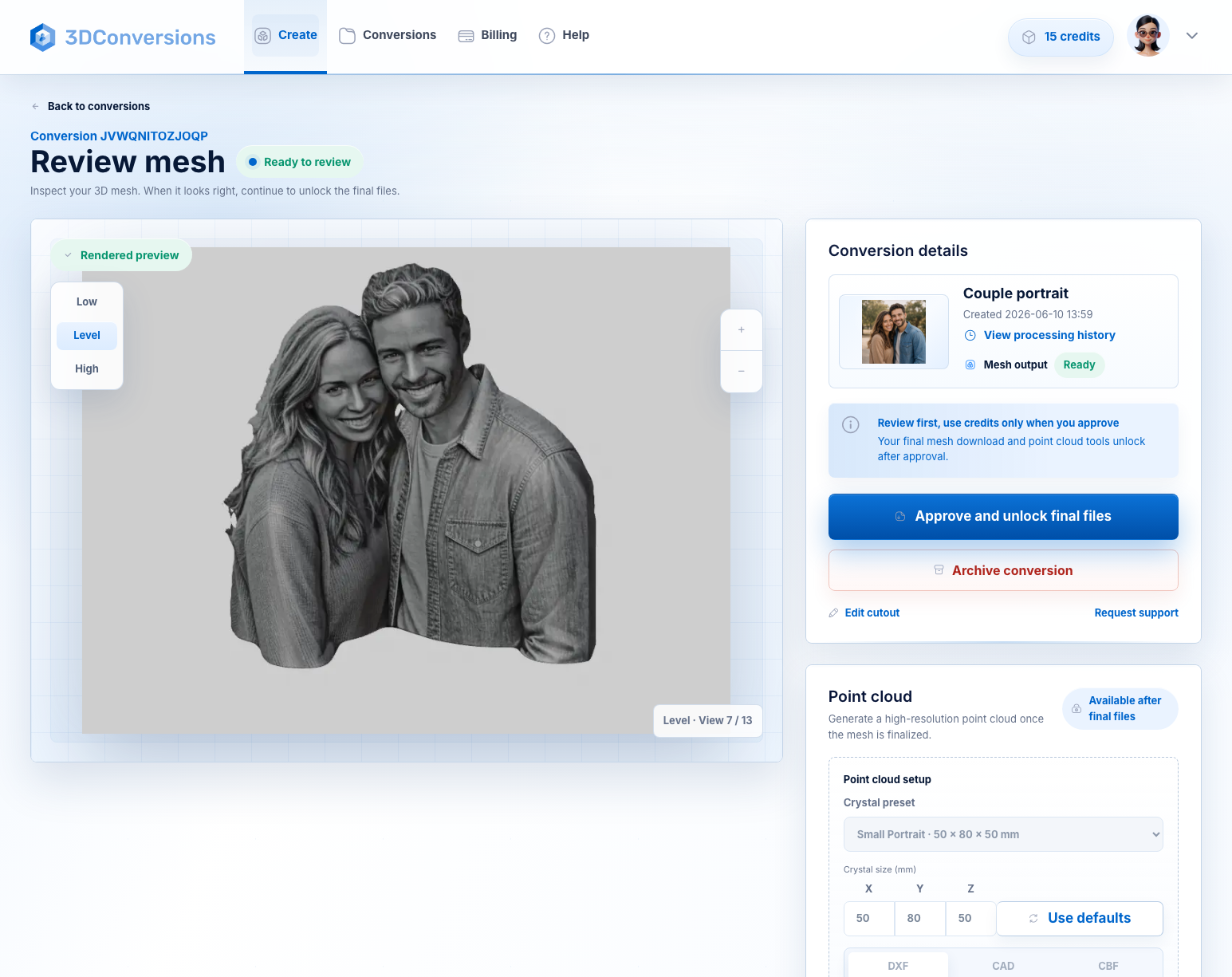
Upload one photo, rotate the generated preview, and save it to your workspace when it looks right.
Approve in your workspace when the preview looks right.

 Preview
Mesh
Preview
Mesh
3D
Rotatable previewCheck the generated view before you save it.
OBJ
Workspace handoffKeep the preview and continue from your account.
OK
Approval controlUse credits after you review the preview.
Google reCAPTCHA may verify this upload. Privacy Policy and Terms of Service.