Start with the real photo
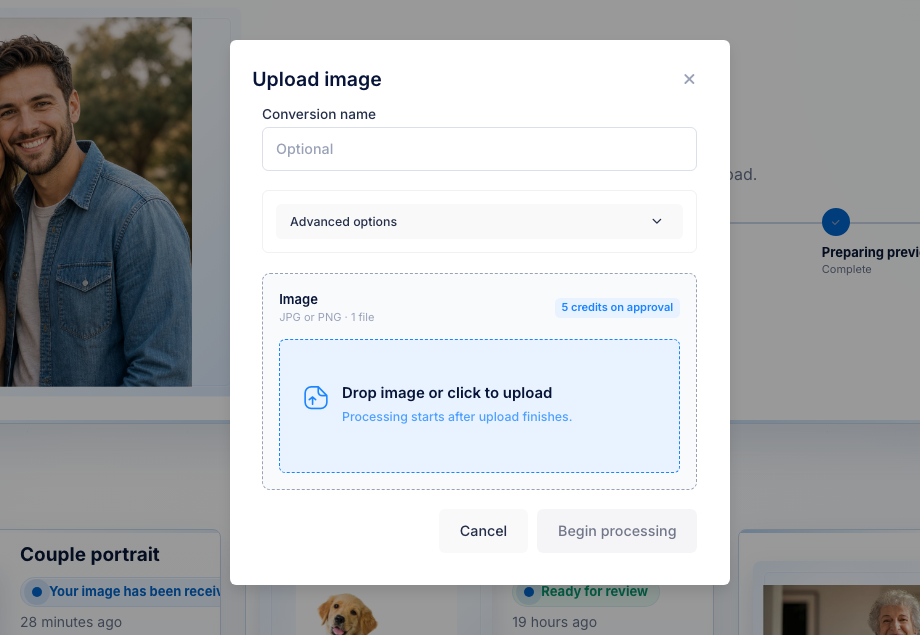
Use the customer JPG or PNG, not a placeholder asset.


UV laser workflow files
Customers send flat portraits, pet photos, memorial images, and product shots. 3DConversions turns them into reviewable 3D depth files for crystal, glass, and subsurface-style UV laser workflows you still verify on your machine. Upload and preview free, then approve the file for 5 credits ($5 USD).
No credit card required. 25 free credits included, enough for 5 approved files. No modeler queue. No custom quote. No credits used until you approve.
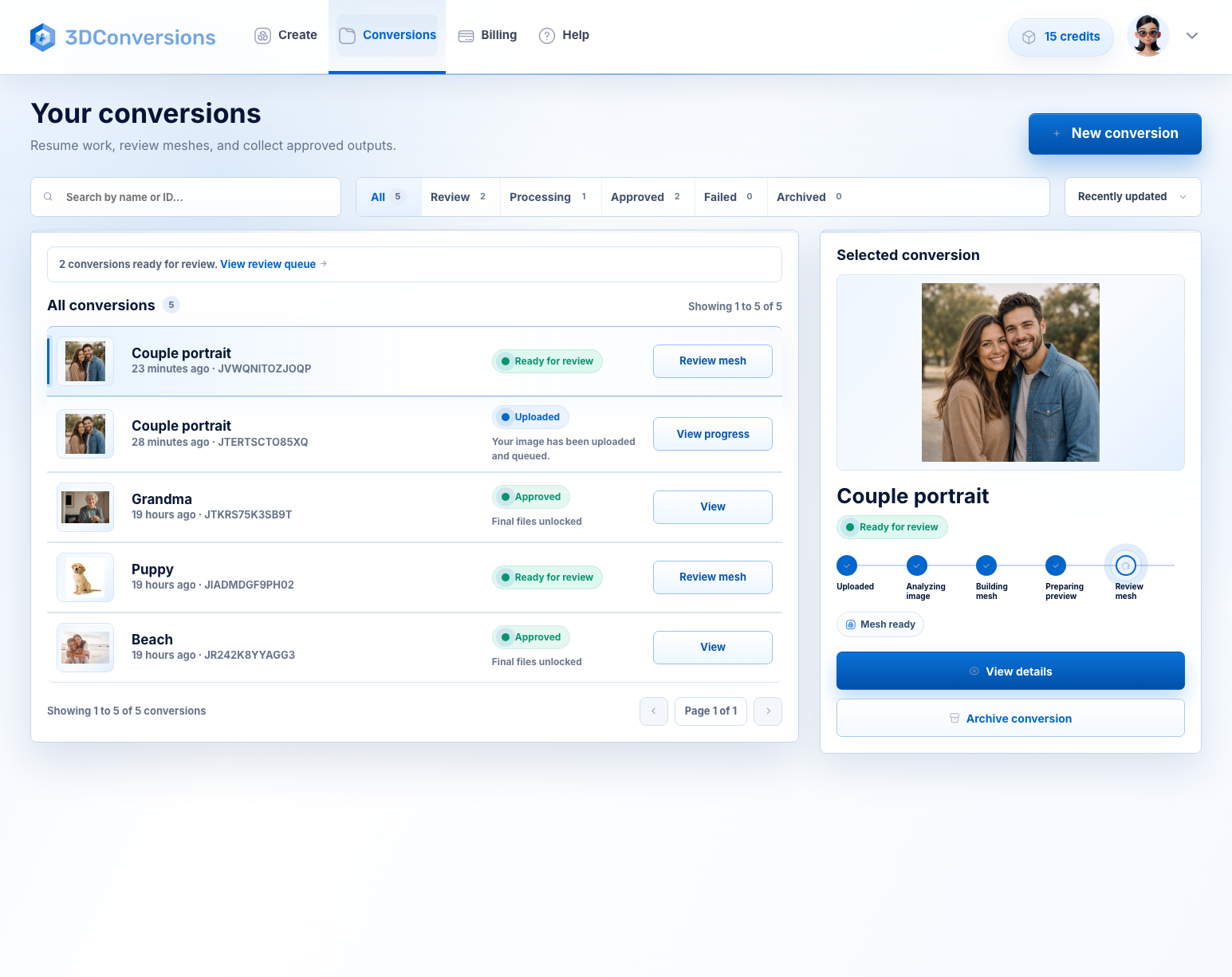
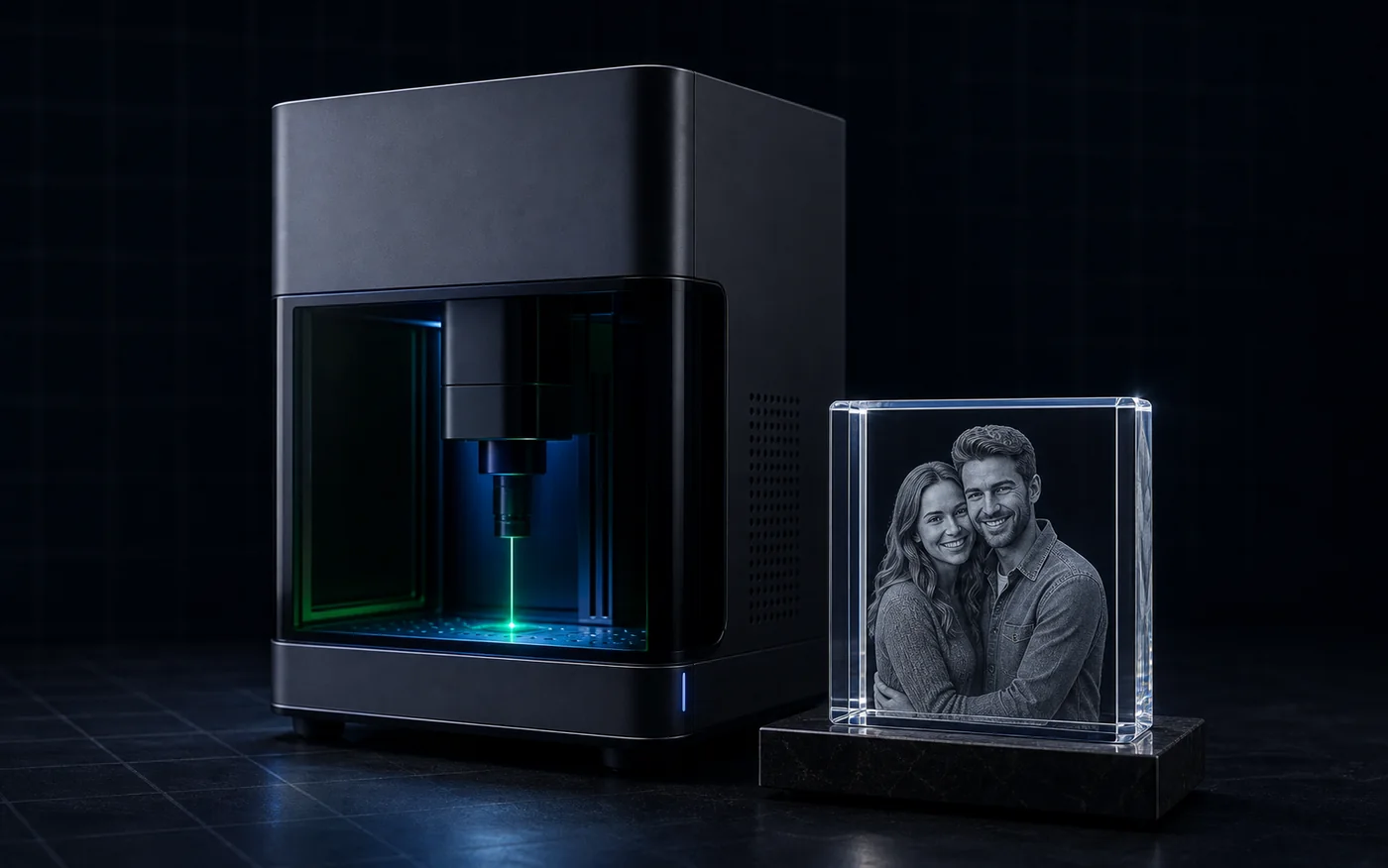 Crystal / glass subsurface result
The file bottleneck
A UV laser does not solve the file problem by itself. When a customer sends a normal photo, you still need usable depth before you can make a crystal, glass, or inner-engraving product. 3DConversions gives you that first file decision fast: is this photo ready to approve, or should you skip it before wasting time?
Use the customer JPG or PNG, not a placeholder asset.
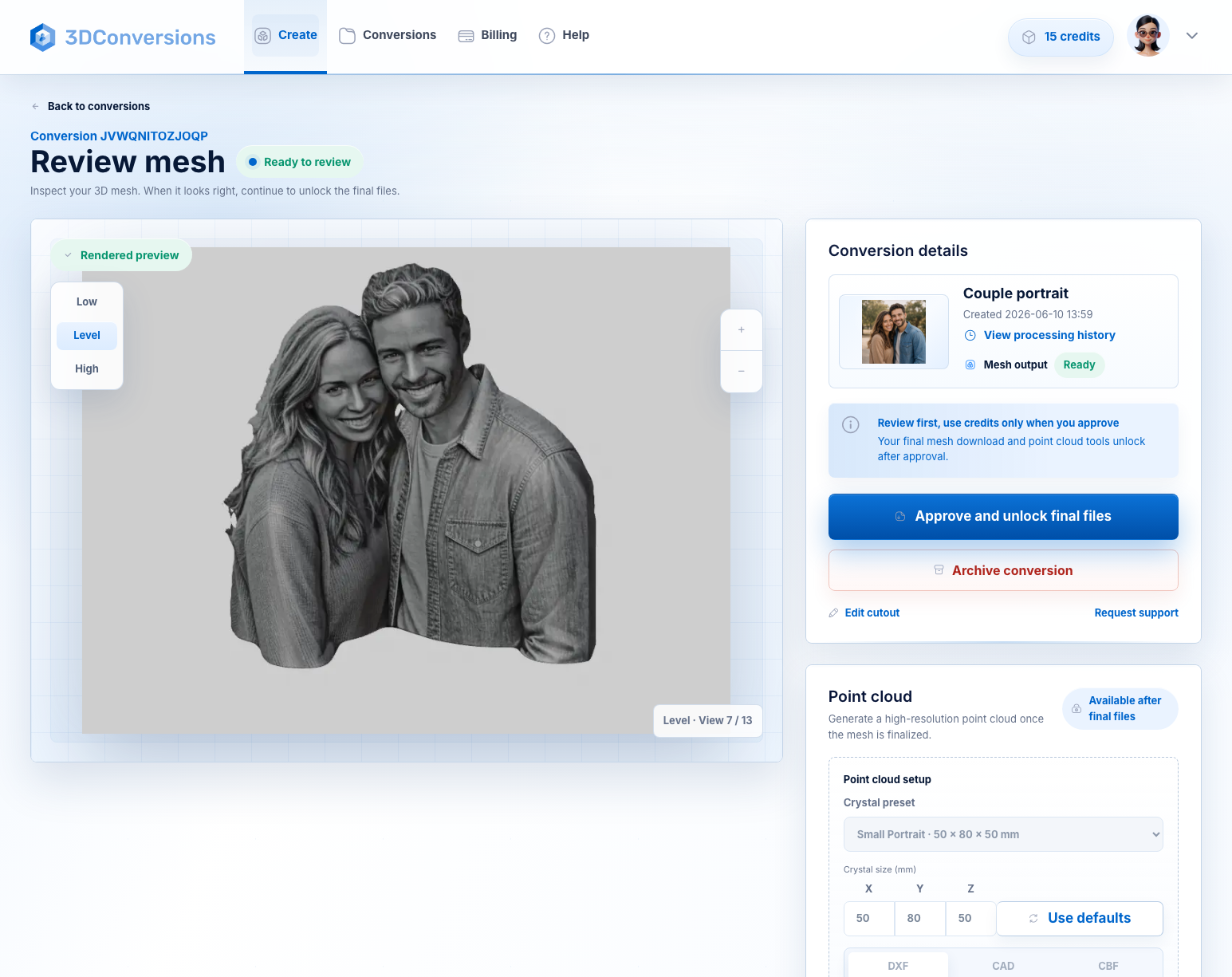
Inspect the generated 3D depth before any credits are used.
Each approved file uses 5 credits. 1 credit = $1 USD.
Your UV laser settings, focus, material tests, and software workflow stay yours.
Workflow
A fast way to decide whether a customer photo is worth turning into a 3D file for your UV laser workflow.
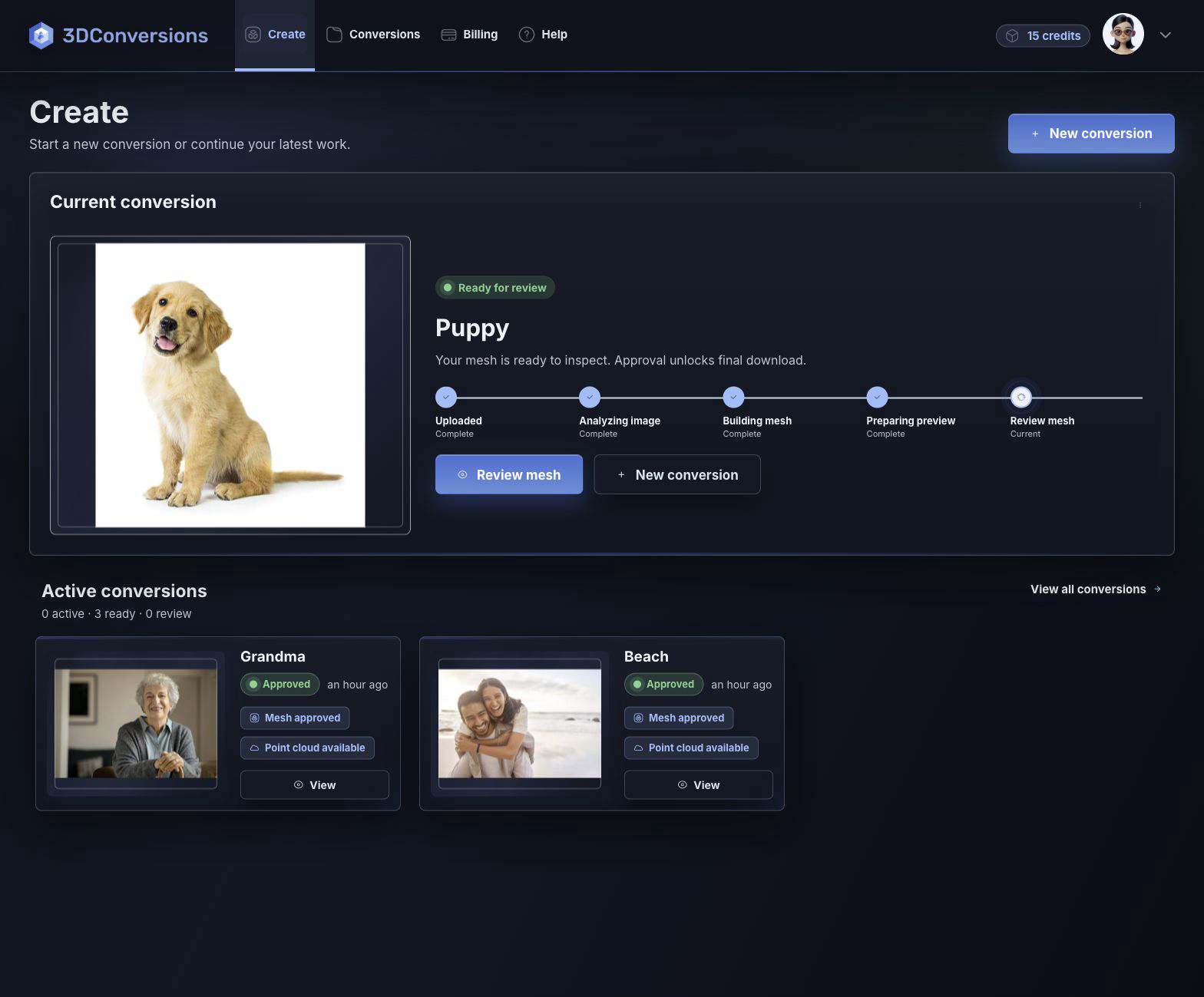
Start with the JPG or PNG your customer already sent.
Review the generated 3D depth mesh before you spend credits.
If the preview is ready, approve it for 5 credits ($5 USD) and download OBJ plus point-cloud exports.
Start with common customer image files.

OBJ mesh after approval.
DXF, CAD, and CBF after approval.
per approved file
1 credit = $1 USD. Upload, processing, and preview are free.Downloads are available after approval and include OBJ mesh plus DXF, CAD, and CBF point-cloud exports.
File and output details
3DConversions handles the photo-to-depth step. You handle the UV laser. Preview the generated 3D file first, then approve only the files you want to use in your crystal, glass, or subsurface engraving workflow.
Built for UV laser crystal, glass, and subsurface engraving workflows, including 355 nm UV machines. This prepares engraving-ready 3D depth files; it does not choose power, speed, focus, or machine calibration settings.
Example result
Upload the photo, rotate the generated depth preview, and check the subject shape, edge, and face or pet depth before approval. If the subject is weak, do not approve it. If it is ready, download the files and move to your UV laser workflow.
Start free with 25 credits
Depth build
UV laser engraving questions
Yes. It is for UV laser operators turning customer photos into 3D files for crystal, inner glass, portrait, pet, memorial, and gift engraving workflows.
The workflow is built for minutes, not days in a 3D modeling queue. Upload the customer image, review the generated depth preview, and approve final files only when the result is ready.
Each approved file uses 5 credits ($5 USD). Uploading, processing, and previewing are free, so you only spend credits when you approve the final file.
Yes. 3DConversions prepares photo-to-3D depth previews and final file exports for UV laser engraving workflows, including crystal, glass, and inner-glass work. Machine power, focus, lens, software, material settings, and calibration stay in your laser workflow.
UV lasers are attractive for small shops because many 355 nm systems are lower-cost, compact, and useful across glass, crystal, acrylic, coated metal, awards, and gift workflows. Green 532 nm systems remain the established specialist choice for classic subsurface crystal engraving. Either way, the customer photo still needs usable 3D depth.
No. It creates the 3D engraving file, not G-code, speed, power, focus, material presets, or machine calibration settings.
After approval, you can download the OBJ mesh plus DXF, CAD, and CBF point-cloud exports for UV laser engraving workflows.
Start with one photo
Create a free account with 25 credits, upload a customer photo, preview the generated 3D depth, and approve final files only when the subject shape, edge, and face or pet depth are worth using.
No credit card required. Free signup includes 25 credits, enough for 5 approved files. Each approved file uses 5 credits ($5 USD).