Start with the image
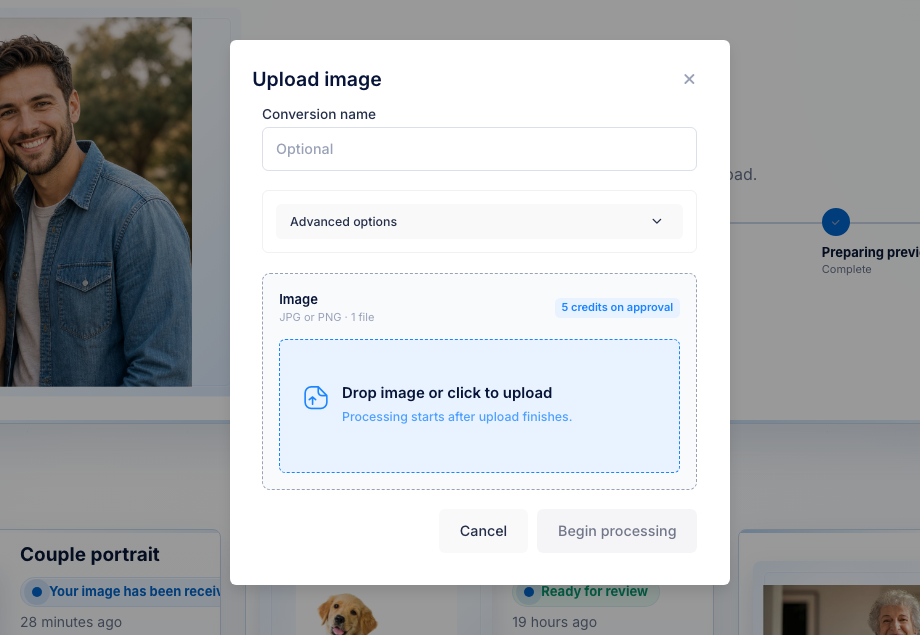
Upload the customer JPG or PNG first.


UV laser file formats
OBJ, STL, DXF, CAD, CBF, depth map, point cloud: the format question matters, but it comes after the photo has usable depth. Upload the customer image, preview the generated 3D result, then approve the exports your workflow needs.
25 free credits included, enough for 5 approved files. Each approved file uses 5 credits ($5 USD).
The format rabbit hole steals momentum
UV laser owners search OBJ, STL, point cloud, LightBurn, EZCAD, depth map, and height map because they do not want a bad handoff. But the first decision is not software. It is whether the customer photo can become usable 3D depth at all.
Upload the customer JPG or PNG first.
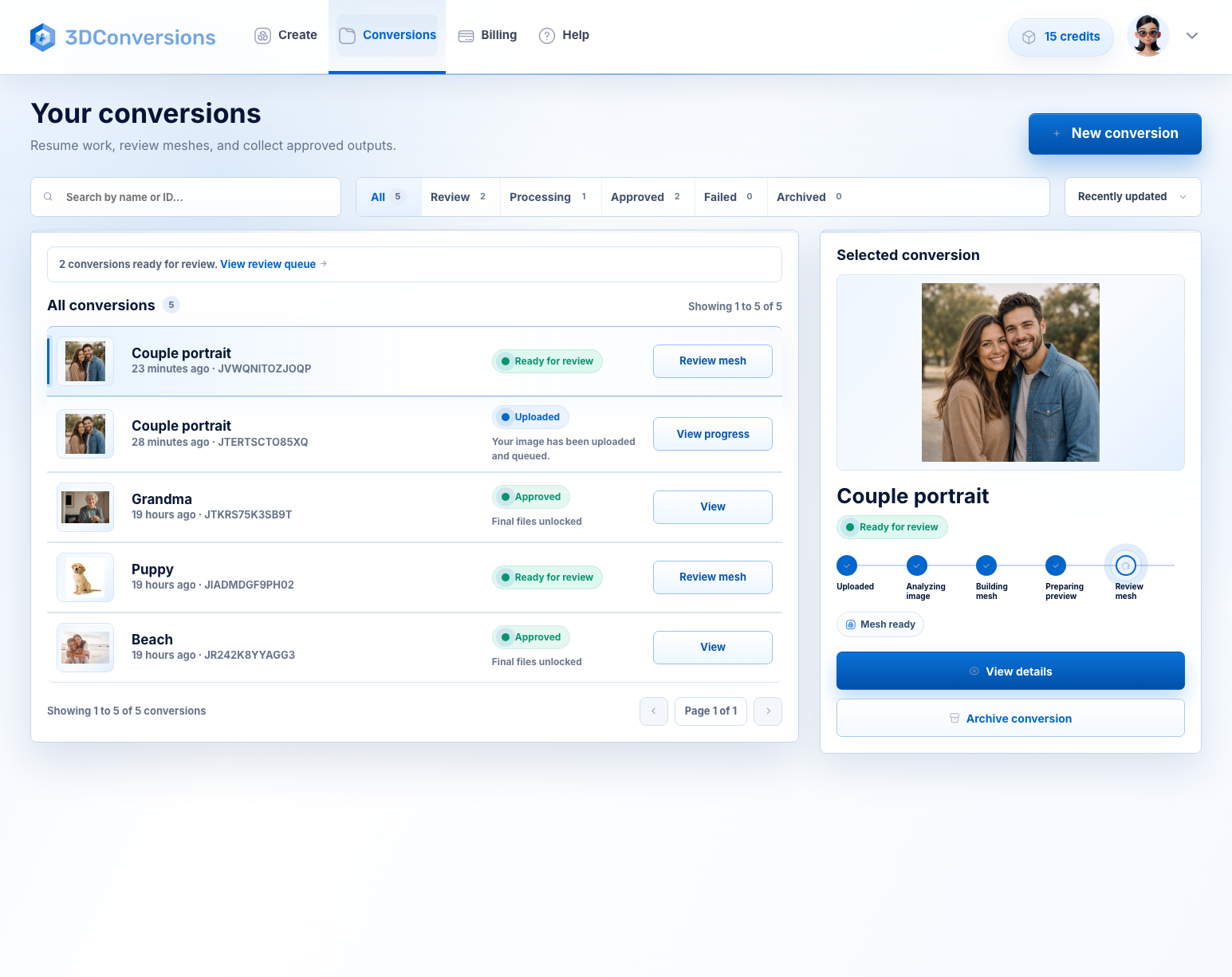
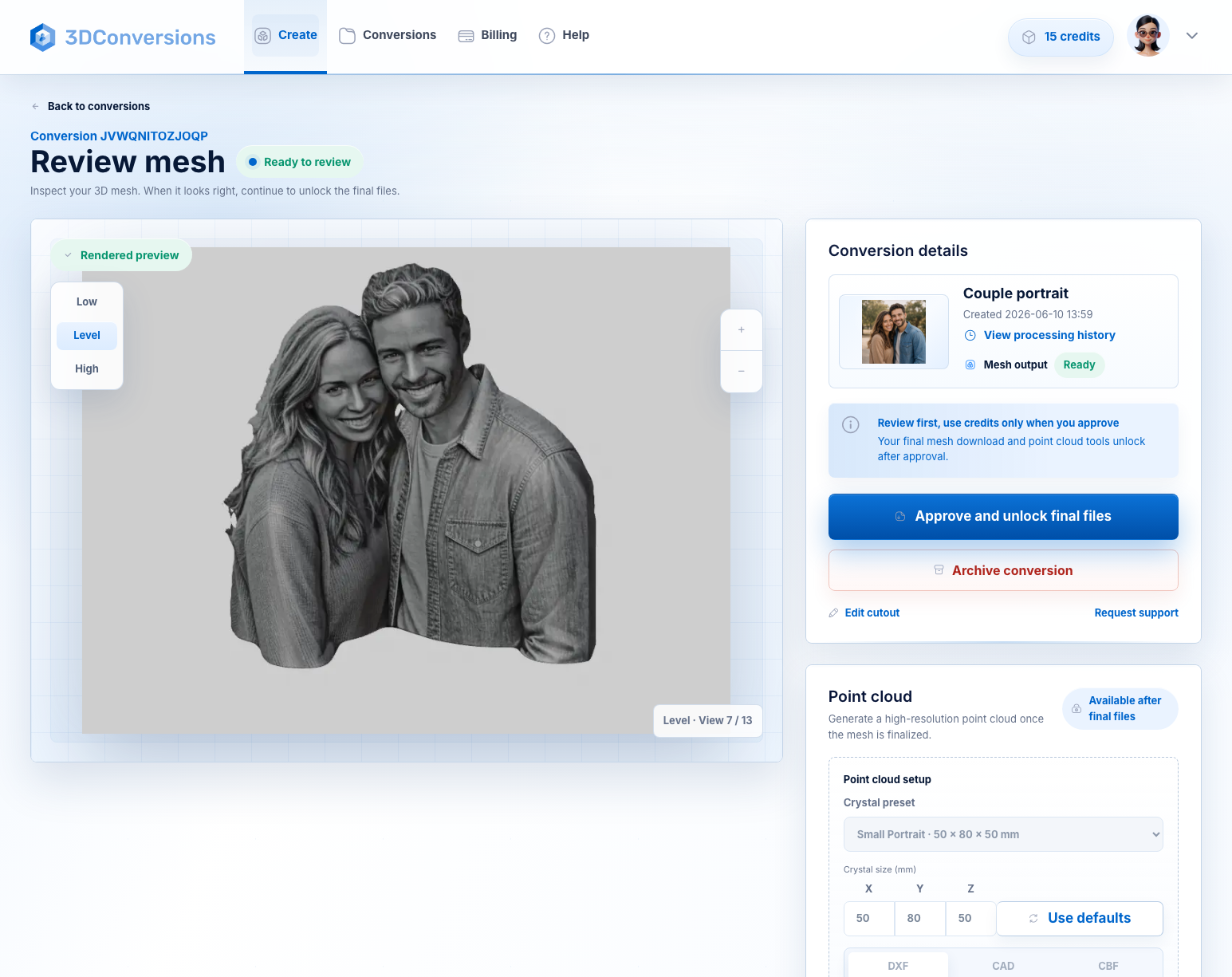
Preview the generated 3D result before spending credits.
Approved files include OBJ mesh plus DXF, CAD, and CBF point-cloud exports.
LightBurn, EZCAD, vendor apps, and controllers still decide the final import path.
Workflow
Do not let format research stall the order. First make the customer photo reviewable in 3D.
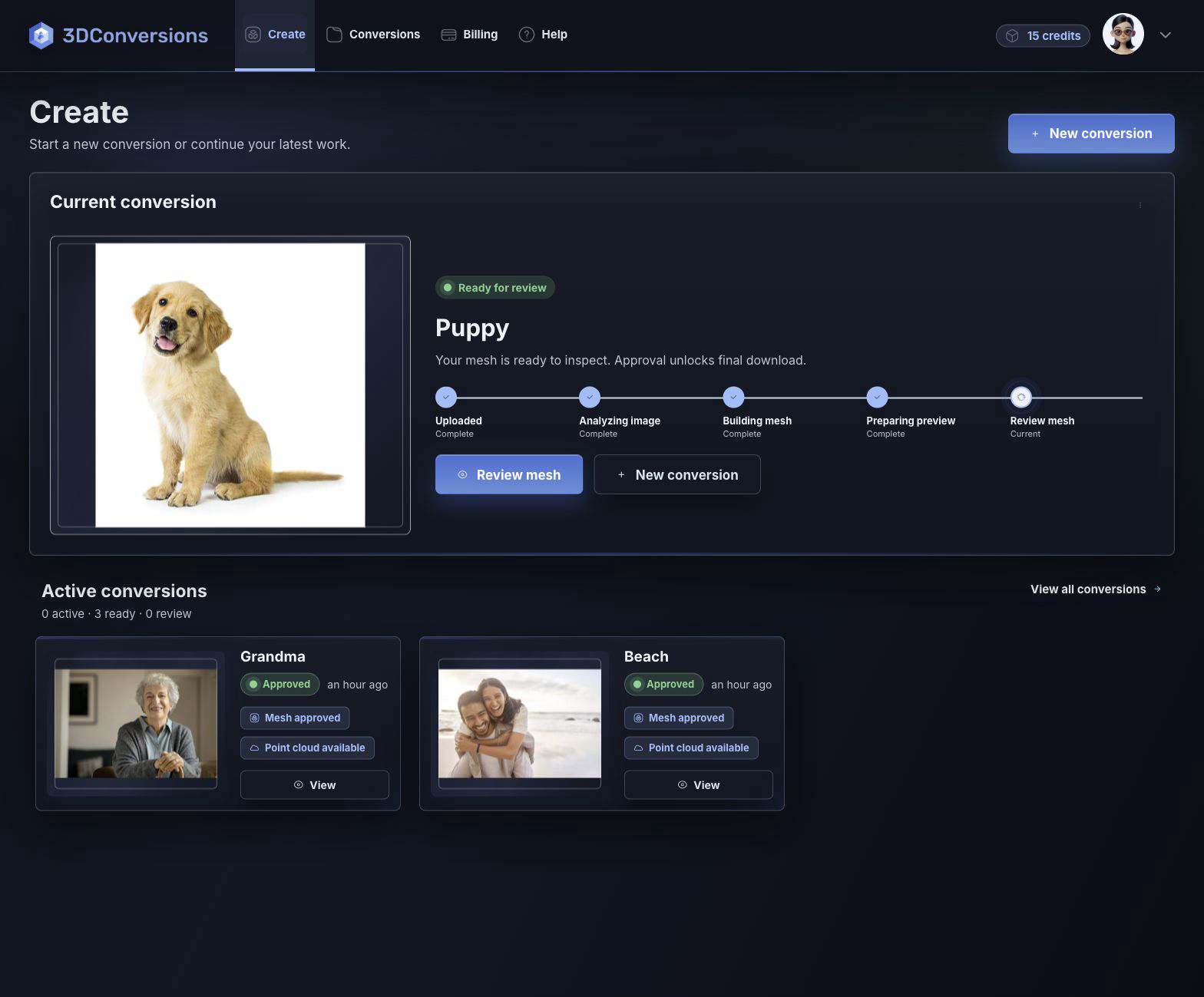
Start with JPG or PNG.
Inspect the generated depth mesh before approving final files.
After approval, download OBJ plus DXF, CAD, and CBF point-cloud exports for 5 credits ($5 USD).
Upload JPG or PNG customer images.

Approved 3D mesh output for inspecting and handing off the generated shape.
DXF, CAD, and CBF after approval.
per approved file
1 credit = $1 USD. Upload, processing, and preview are free.Downloads are available after approval and include OBJ mesh plus DXF, CAD, and CBF point-cloud exports.
File and output details
3DConversions gives you the photo-to-3D result to review first. OBJ is the mesh you can inspect; DXF, CAD, and CBF are point-cloud exports for workflows that need point data. Your laser software, controller, material setup, focus, and calibration still determine how those exports are used.
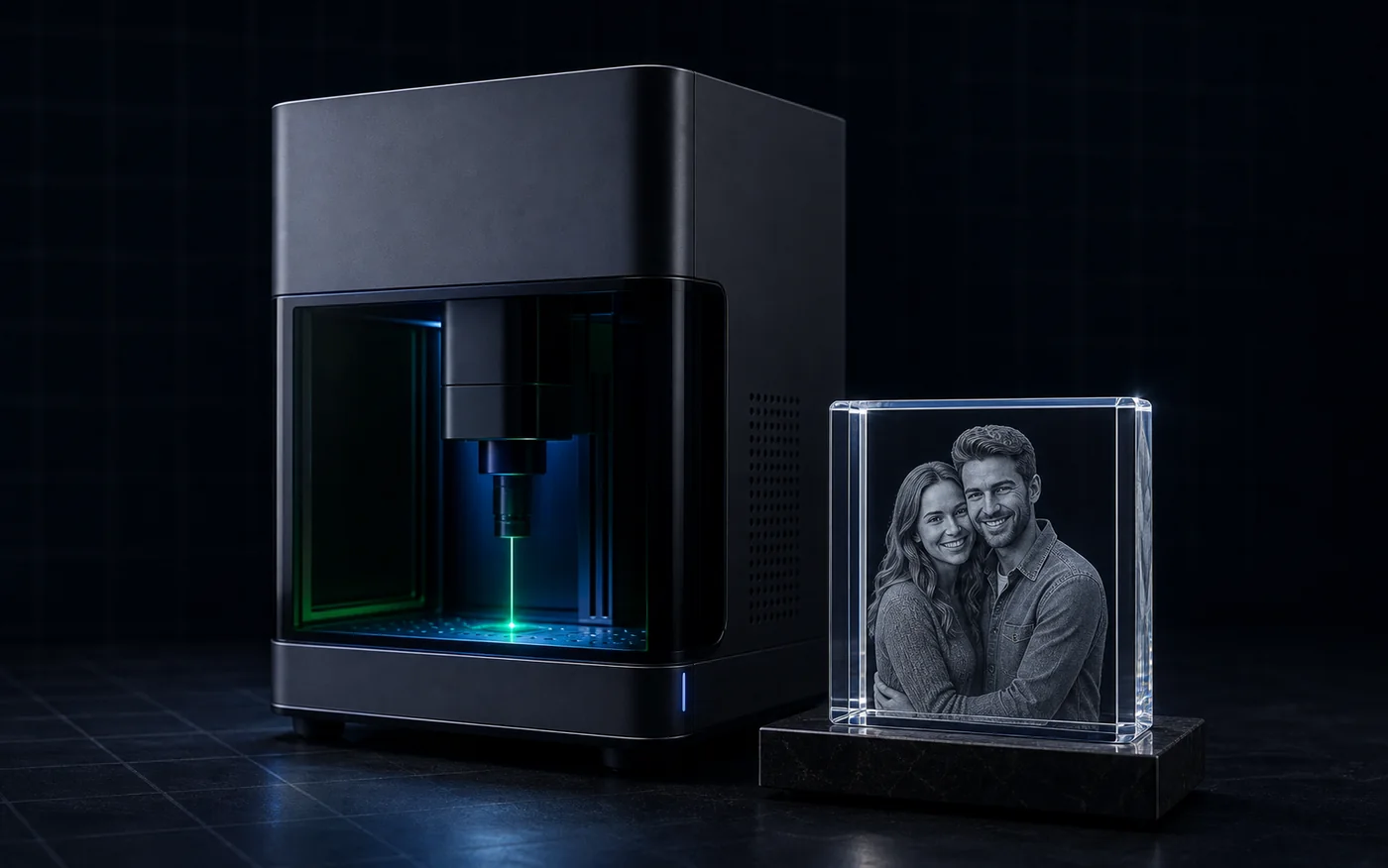
Example result
First convert the customer photo into a reviewable 3D mesh. Then approve the file and test the export that fits your UV laser software path.
Start free with 25 credits
Depth build
FAQ
Start by asking what your laser software can import. 3DConversions provides an OBJ mesh plus DXF, CAD, and CBF point-cloud exports after approval, so you can test the handoff your UV, green, LightBurn, EZCAD, vendor, or controller workflow supports.
Yes. After approval, you can download the OBJ mesh plus point-cloud exports.
Yes. After approval, every file includes the OBJ mesh plus DXF, CAD, and CBF point-cloud exports. You do not need a special plan to access those point-cloud formats.
Yes. Upload a JPG or PNG, review the generated 3D depth mesh, then approve the final exports.
No. A depth map and point cloud represent depth differently. Your machine workflow determines which representation is useful.
No. 3DConversions creates the 3D file from the customer photo. Machine software import, conversion, power, focus, and calibration stay in your workflow.
Each approved file uses 5 credits ($5 USD). Free signup includes 25 credits, enough for 5 approved files.
Stop guessing file formats
Start free with 25 credits, preview the generated 3D depth, then approve OBJ plus DXF, CAD, and CBF exports only if the result is usable.
No credit card required. 25 free credits included, enough for 5 approved files.