Why UV is attractive
Lower-cost 355 nm UV machines are making glass, crystal, acrylic, metal, and gift engraving easier to test without a legacy crystal-only setup.


UV vs green laser crystal engraving
If you are buying today, 355 nm UV deserves serious attention: lower entry cost, broader material range, and more hobbyist-friendly machines. 532 nm green remains the established path for classic subsurface crystal engraving. The catch is the same for both: a flat customer photo still has to become usable 3D depth.
25 free credits included, enough for 5 approved files. Upload and preview are free; approved files use 5 credits ($5 USD).
The practical buyer guide
UV is exciting because it lowers the barrier to test crystal, glass, acrylic, coated metal, and gift workflows on one machine. Green is boring in the useful way: it has long been used for purpose-built internal crystal work. The wrong move is pretending wavelength alone solves the job. You still need a file the machine can use.
Lower-cost 355 nm UV machines are making glass, crystal, acrylic, metal, and gift engraving easier to test without a legacy crystal-only setup.
532 nm green systems remain the familiar choice for classic subsurface crystal when brightness, engraving speed, and larger block capacity matter.
UV can be precise and flexible, but true inner-crystal work may be slower and more dependent on focus, material, depth, and fixture.
Green systems can be more specialized and expensive. They may fit larger/deeper crystal jobs better, but they are not always the best first machine for a small shop.
Workflow
A machine comparison helps you buy equipment. A photo-to-3D preview helps you avoid promising a weak customer order.
Surface marking, glass gifts, classic inner crystal, awards, pets, portraits, and memorials can imply different machine risks.
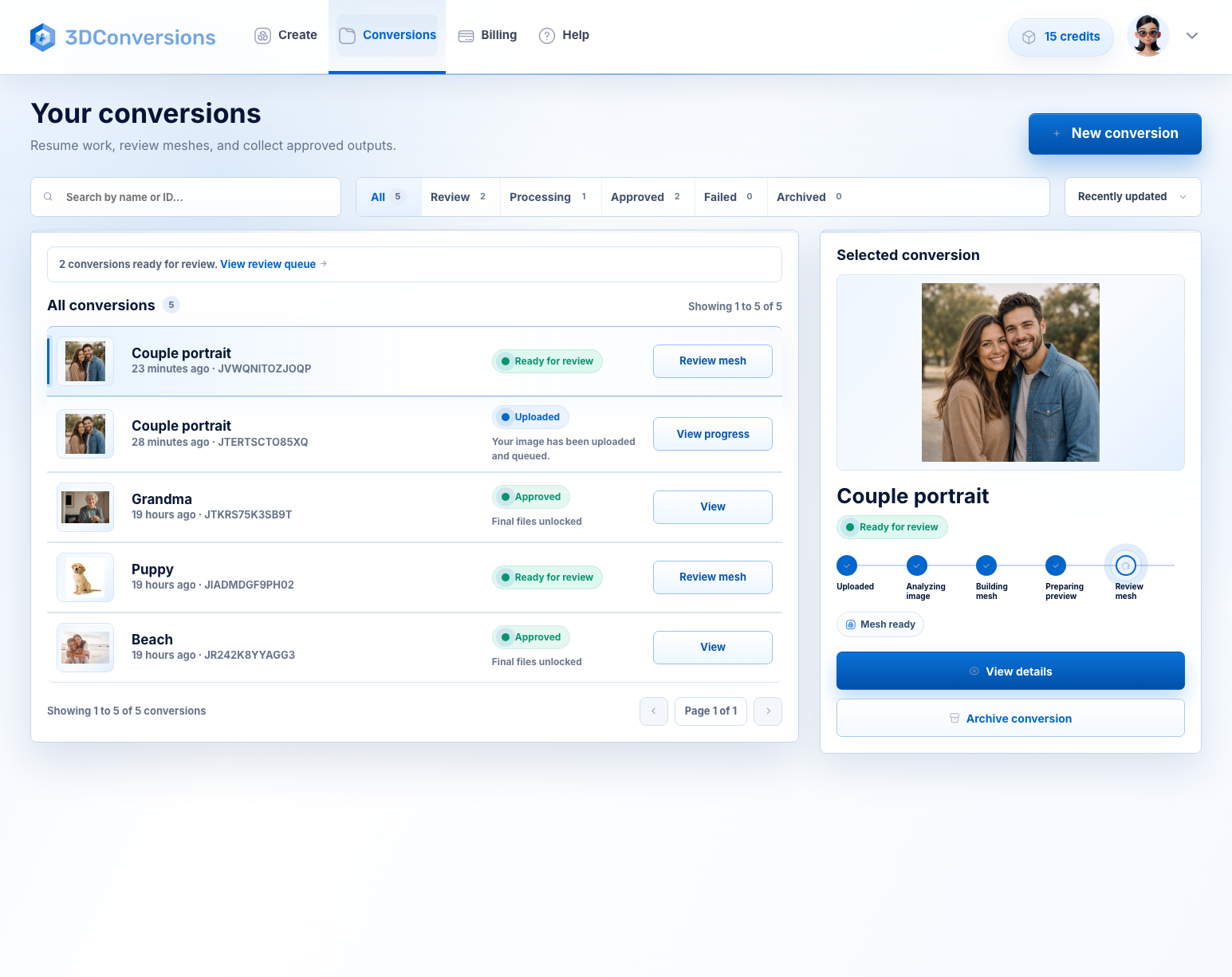
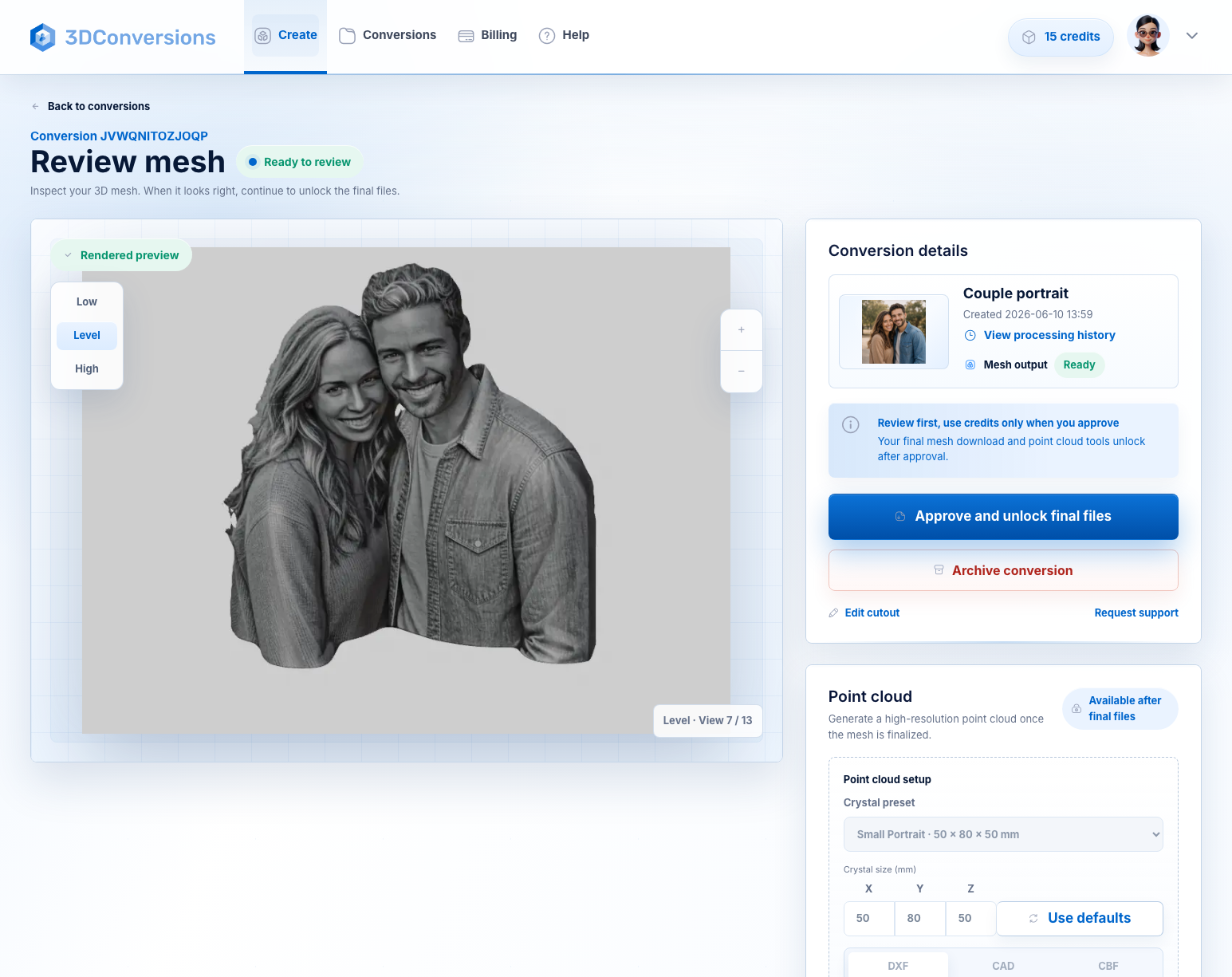
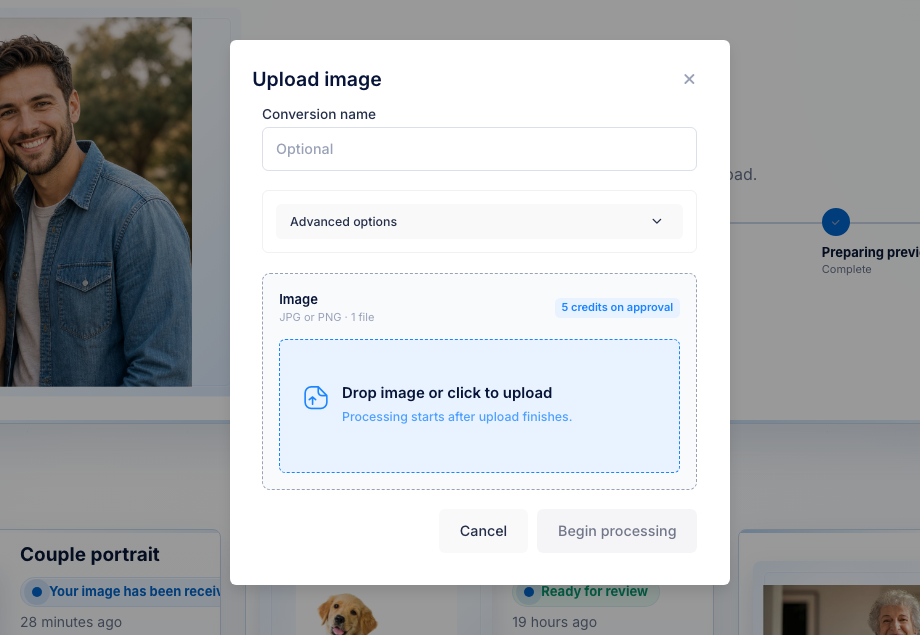
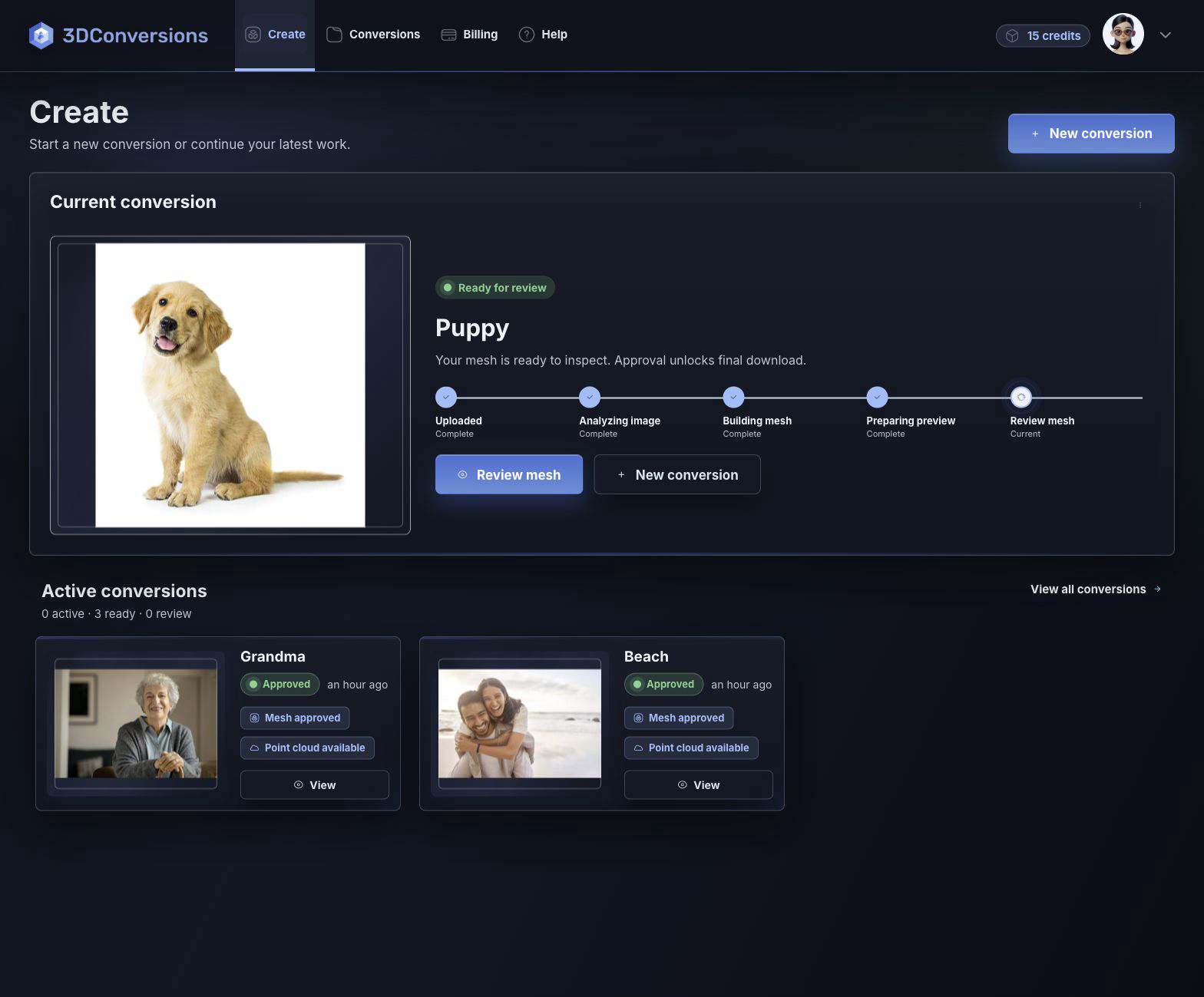
Upload the JPG or PNG and inspect the generated 3D depth before spending credits.
If the preview is strong, approve for 5 credits ($5 USD), download OBJ plus point-cloud exports, and test the UV or green handoff.
Start with common customer image files.

OBJ mesh plus DXF, CAD, and CBF point-cloud exports after approval.
DXF, CAD, and CBF after approval.
per approved file
1 credit = $1 USD. Upload, processing, and preview are free.Downloads are available after approval and include OBJ mesh plus DXF, CAD, and CBF point-cloud exports.
File and output details
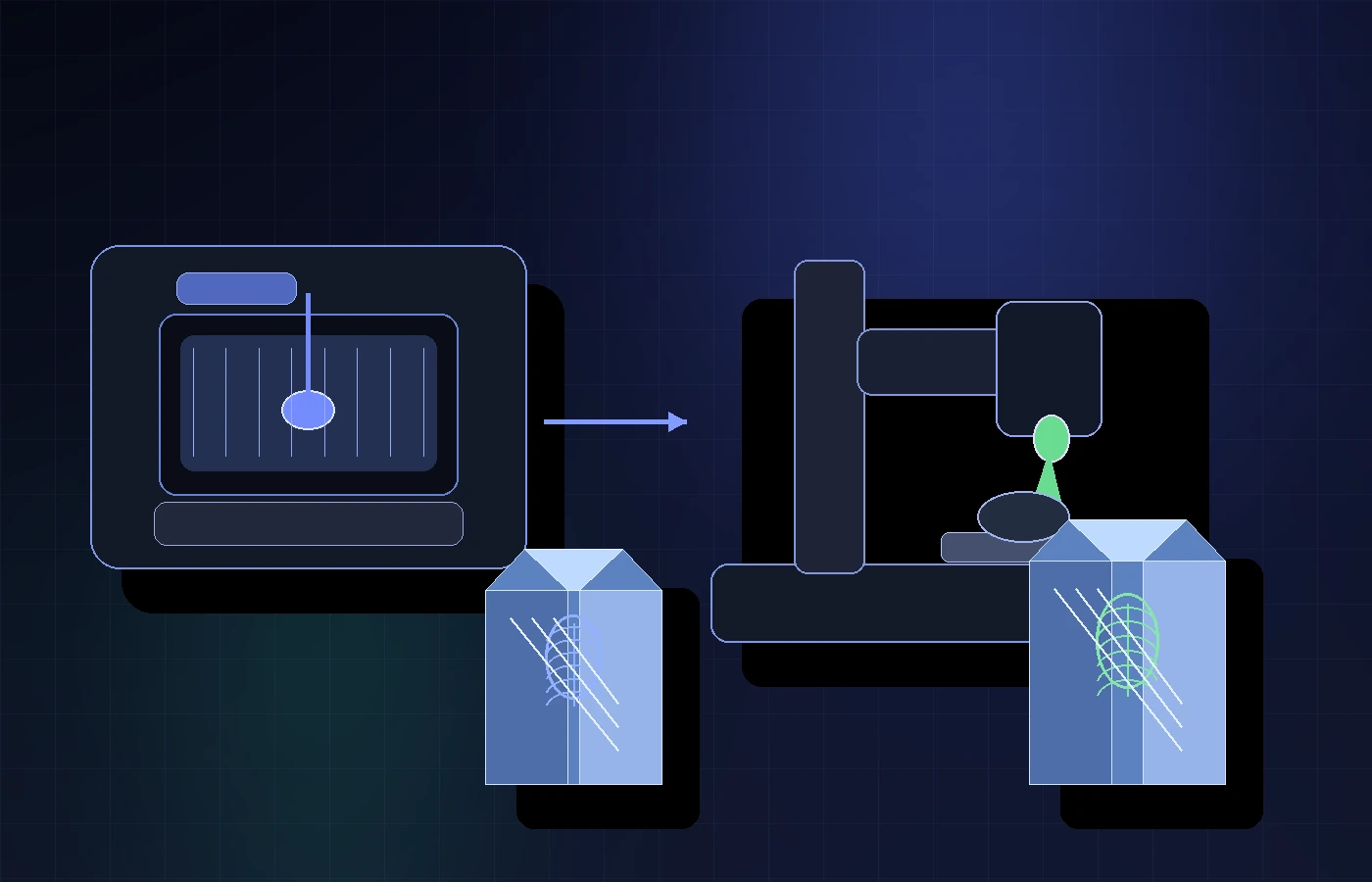
Use UV if you want a more accessible, flexible starting point. Use green if your priority is a proven subsurface crystal workflow. But before either machine touches glass, turn the customer photo into reviewable 3D depth and reject weak files before they cost production time.
Example result
A strong UV setup and a proven green setup can both disappoint if the source photo turns into weak depth. Preview the generated 3D file first. If the face, edge, or subject shape is weak, do not approve it. If it is ready, download the files and continue with the laser process you trust.
Start free with 25 credits
Depth build
FAQ
If you are entering the market today, 355 nm UV is the more interesting opportunity because many machines are cheaper, smaller, and useful across more materials. If your only goal is classic, proven subsurface 3D crystal engraving, 532 nm green still deserves respect because it is the established specialist workflow.
Choose UV when you want a lower-cost way to test glass gifts, crystal pieces, acrylic, coated metal, awards, personalization, and mixed-material work. The tradeoff is that UV results depend heavily on the exact machine, lens, focus, software, fixture, and material. Verify your own process before promising production customer work.
Choose green when you want a purpose-built path for internal crystal or glass engraving and are comfortable with a more specialized setup. The tradeoff is cost and flexibility: green can be the safer classic crystal choice, but it may be more machine than a hobbyist or small gift shop needs at the start.
Some 355 nm UV machines are marketed for crystal, glass, and inner-engraving workflows, but capability varies. Do not assume every UV laser behaves like a dedicated green subsurface crystal system. Test your exact machine, material, focus, fixture, import path, and customer file before selling it as a finished product.
For classic internal 3D photo crystal, 532 nm green systems often have the advantage because they are built to create bright, visible internal dots in transparent glass or crystal. UV can produce precise marks, but inside-crystal brightness and contrast can vary more by material, focal depth, settings, and machine design.
Often, yes for true subsurface point-cloud crystal work. Many green crystal systems are purpose-built to place internal dots quickly. UV workflows can be slower, especially on lower-power desktop systems or when the setup is being used beyond simple surface marking. Always test your own file, crystal, and quality target.
Green subsurface crystal machines often have the stronger case for larger or deeper crystal pieces because the workflow is designed around internal focusing through transparent material. UV systems may be limited by work area, Z travel, focal depth, attenuation, fixture design, and the exact optical setup.
The downside is variability. UV can be flexible and affordable, but the workflow may require more testing: glass type, crystal quality, focal depth, lens choice, dot behavior, software conversion, and holding fixture can all change the result.
The downside is commitment. A 532 nm green system can be a stronger fit for classic subsurface crystal work, but it is usually more specialized. If you also want broad gift marking across many materials, UV may give a small shop more experiments per dollar.
Not always. File import depends on the machine and software. 3DConversions provides OBJ mesh plus DXF, CAD, and CBF point-cloud exports after approval so you can test the handoff your workflow supports.
Because portraits, pets, memorial images, and gift photos start flat. The laser can mark only the information you give it. If the photo produces weak 3D depth, a better machine does not automatically turn it into a strong engraving file.
Upload the real customer photo, review the generated 3D depth mesh, and approve only when the result is ready. Uploading, processing, and previewing are free. Approved files use 5 credits ($5 USD).
Each approved file uses 5 credits ($5 USD). Free signup includes 25 credits, enough for 5 approved files. Credits are used only when you approve final files.
Choose the machine with your eyes open
Create a free account with 25 credits, upload one real customer portrait, and see whether the subject shape, edge, and face depth are usable before you spend money, credits, or machine time on the wrong order.
No credit card required. 25 free credits included, enough for 5 approved files.