Use real order photos
Start from the image already attached to the customer request.


xTool F2 Ultra UV workflow
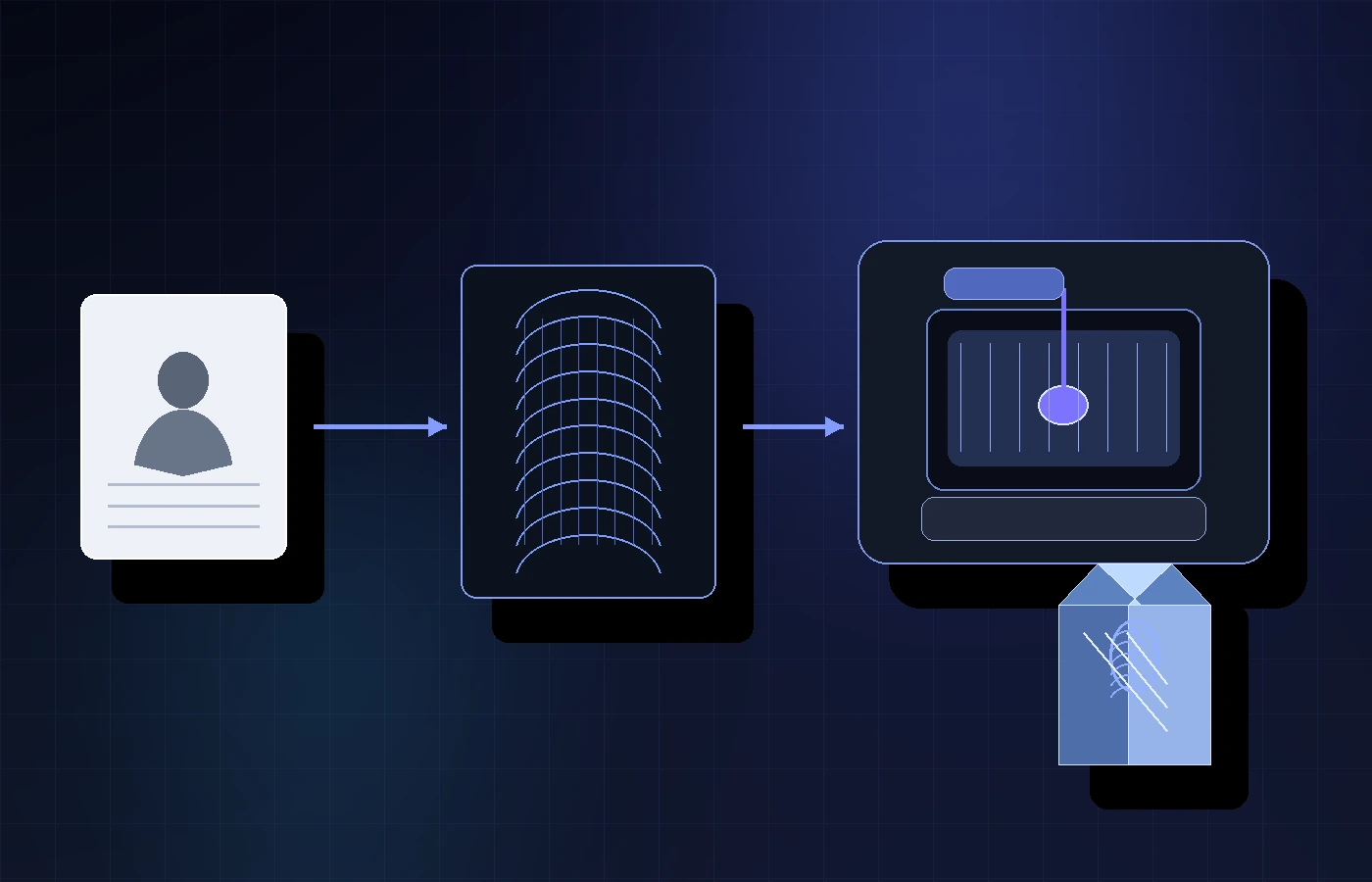
The F2 Ultra UV can make UV engraving feel accessible, but a flat customer photo still needs depth before it can become a 3D file for your crystal, glass, or gift workflow. Upload the image, preview the generated 3D depth, then approve final files for 5 credits ($5 USD).
No credit card required. 25 free credits included, enough for 5 approved files. Upload and preview are free. 3DConversions is not affiliated with xTool.
The machine can be ready before the file is
A test material is one thing. A real customer portrait is another. Before you promise a crystal, glass, pet, memorial, or gift product, use 3DConversions to see whether the actual customer photo can become usable 3D depth.
Start from the image already attached to the customer request.
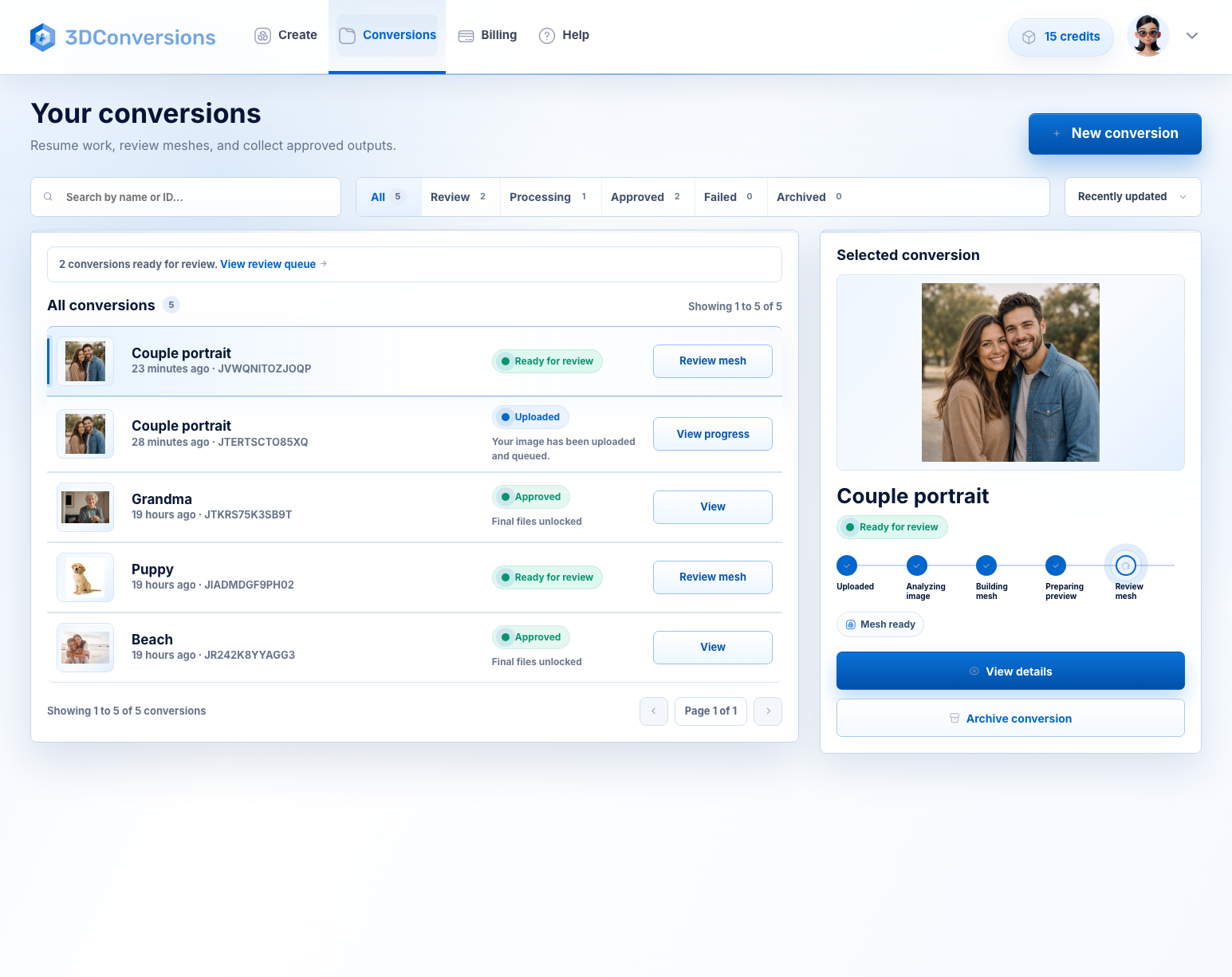
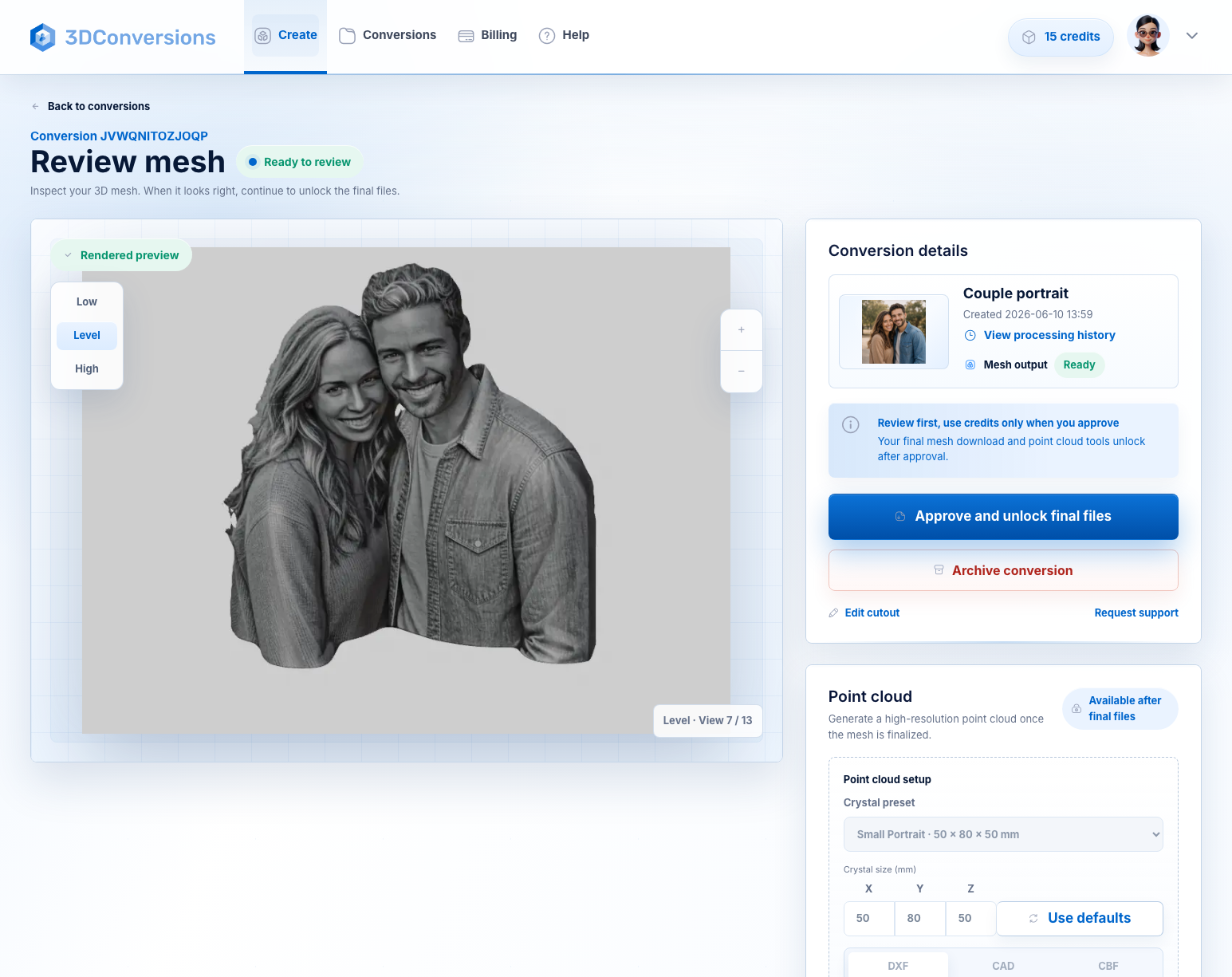
Create a reviewable 3D depth mesh before spending credits.
Approved files use 5 credits. 1 credit = $1 USD.
The F2 Ultra UV is flexible, but crystal results still depend on import path, focus, material, fixture, and settings.
Workflow
A simple way to test the hardest part of the order first: the photo-to-3D file.
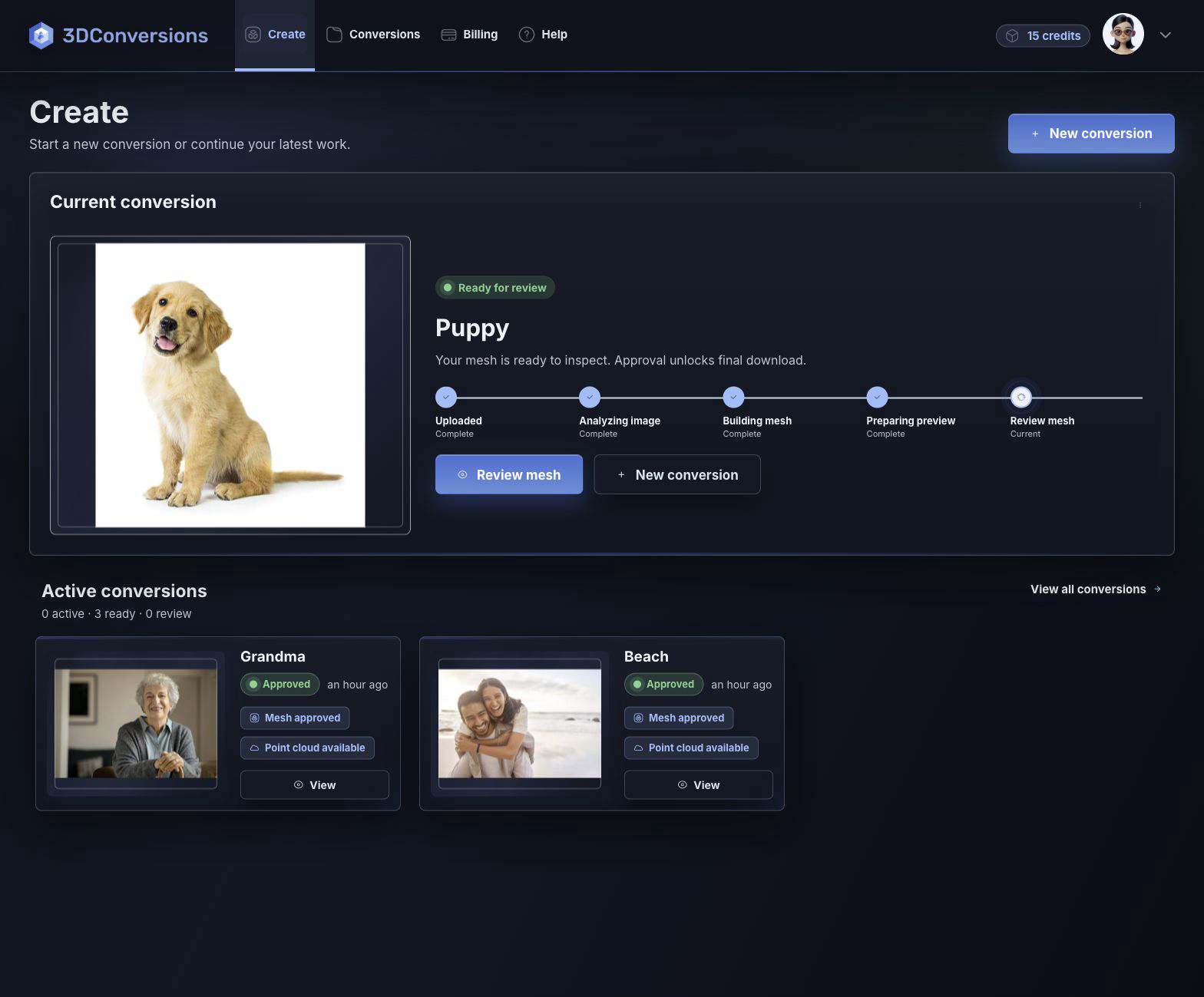
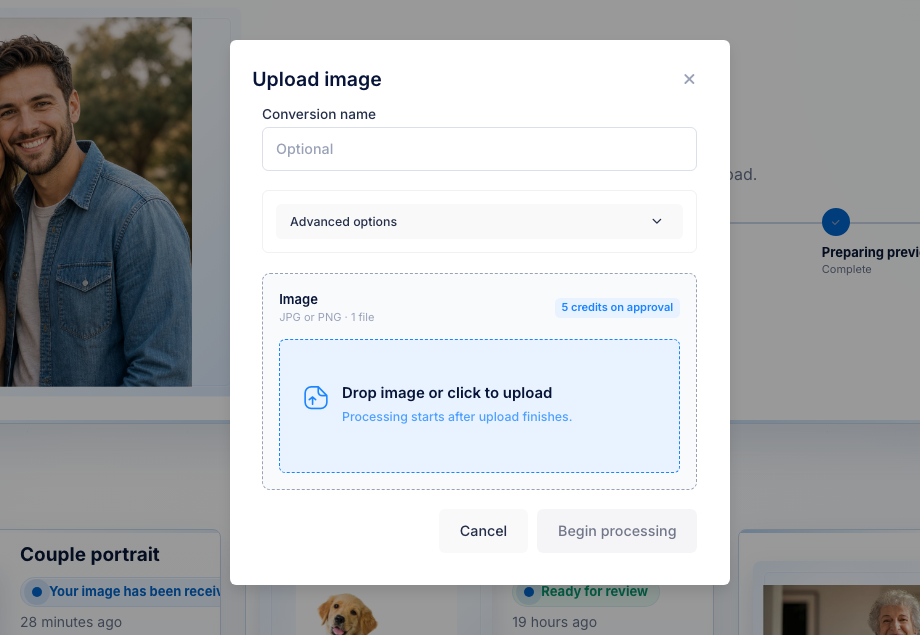
Use a JPG or PNG from a real customer order.
Inspect subject shape and depth before spending credits.
Approve and download OBJ plus DXF, CAD, and CBF point-cloud exports, then verify your machine software path.
Start with customer image files.

OBJ mesh plus point-cloud exports after approval.
DXF, CAD, and CBF after approval.
per approved file
1 credit = $1 USD. Upload, processing, and preview are free.Downloads are available after approval and include OBJ mesh plus DXF, CAD, and CBF point-cloud exports.
File and output details
3DConversions creates the customer-photo 3D file for review. It does not replace xTool software setup, material testing, focus, fixtures, or calibration.
Example result
Preview the generated 3D depth first. If the subject shape is not ready, do not approve. If it is ready, download the files and continue with your xTool workflow.
Start free with 25 credits
Depth build
FAQ
No. 3DConversions is not affiliated with xTool. This page describes an independent photo-to-3D file preparation workflow for xTool F2 Ultra UV operators.
It creates photo-to-3D depth previews and final file exports for UV laser workflows. You still need to verify the import path and settings inside your xTool process.
Test the exact customer photo, material, focus, fixture, import path, and final engraving quality before promising production work. 3DConversions helps with the photo-to-3D file step, while your xTool workflow controls the machine result.
After approval, you can download OBJ mesh plus DXF, CAD, and CBF point-cloud exports.
No. Uploading, processing, and preview are free. Credits are used only when you approve final files.
Each approved file uses 5 credits ($5 USD). Free signup includes 25 credits, enough for 5 approved files.
Start with one xTool customer photo
Create a free account with 25 credits, upload one real customer photo, and preview the generated depth before approving final files.
No credit card required. 3DConversions is not affiliated with xTool.