.svg)
01Upload



.svg)



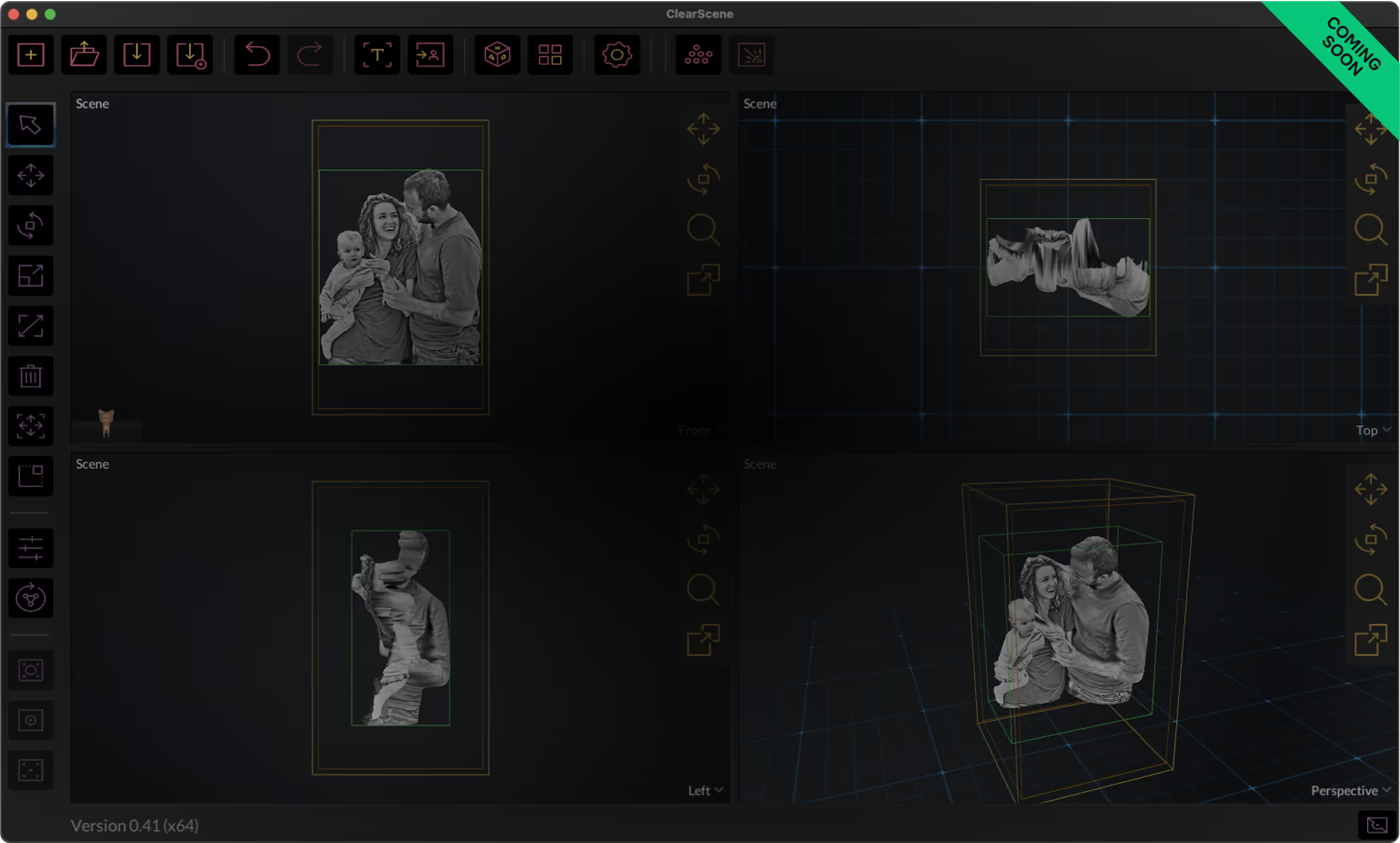
Drag and drop your customer’s photo. 3DConversions generates an initial 3D mesh automatically.
Inspect the generated mesh. If the background or subject edge needs cleanup, adjust the cutout and rebuild the mesh before approval.
Approve the mesh to unlock your final files, then download the 3D mesh in OBJ format or export a ready-to-engrave point cloud in DXF, CAD, or CBF for your laser workflow.


.svg)